

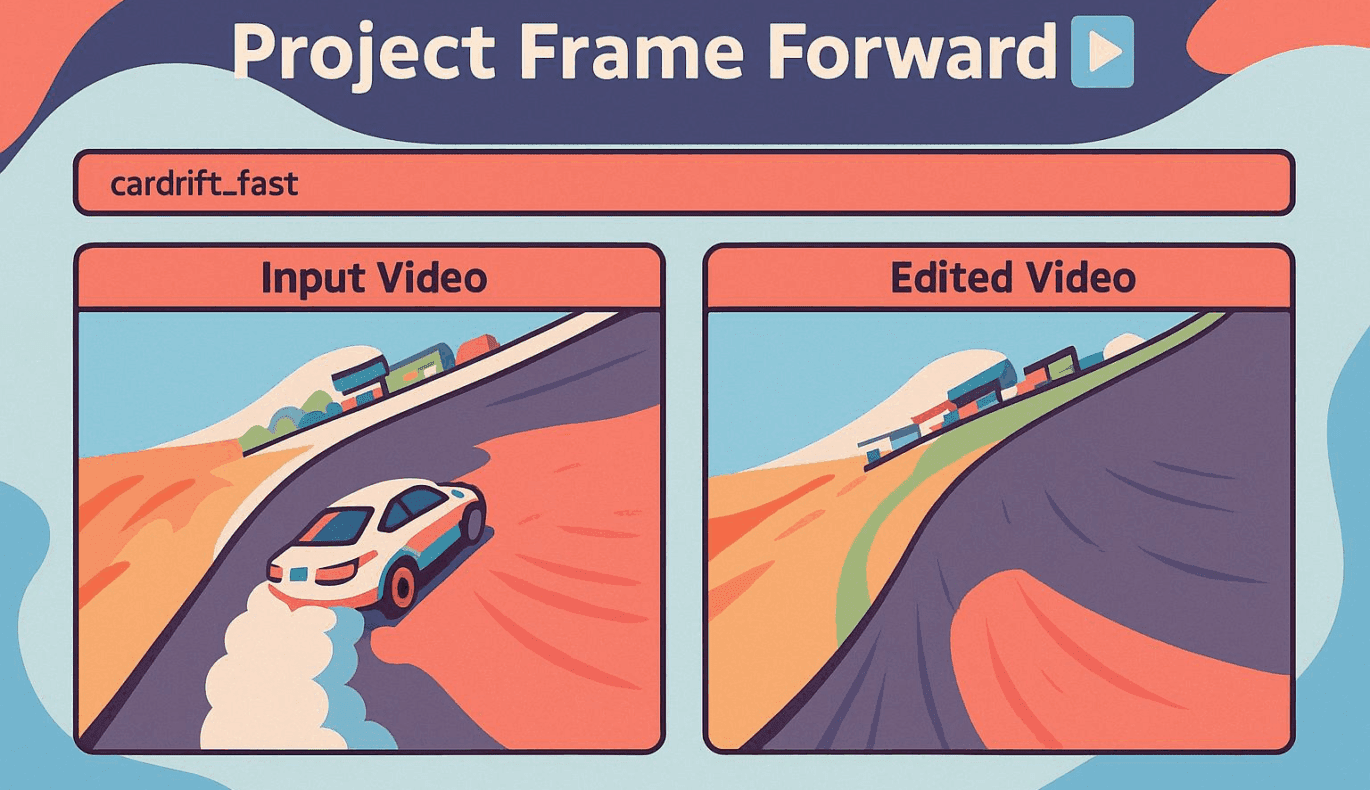
Adobe, a leader in creative software, recently presented sneak peeks of novel AI tools at its Max conference which could change the face of video and photo editing and audio correction. Far from the usual updates or basic improvements, these tools, known as “sneaks,” are still under testing but showcase Adobe’s innovative approach to anticipated user needs.
Perhaps the most visually astonishing of these sneaks is Project Frame Forward. This tool permits video editors to insert or remove any elements from footage without resorting to masks, traditionally a tedious process. Frame Forward can identify an object or person, isolate the element from the first frame, and remove it entirely, automatically replicating the change across the entirety of the footage. The removed entity is replaced by a convincingly natural background, akin to Photoshop’s Context-aware Fill or Remove Background tool. In the future, editors will be able to make such a significant impact on their video content with just a few clicks.
Project Frame Forward also allows new objects to be incorporated into the video. Users can draw where they want an object placed and describe what they wish to add through an AI prompt. This manipulation extends through the entirety of the video footage, making it as if the object was there from the start. In Adobe’s demo, an inserted object—an artificial puddle—reflected the movements of a pre-existing cat in the video, demonstrating the tool’s ability to create context-aware additions.
Another sneak, Project Light Touch, enables users to adjust light sources in photos. For instance, the tool can change the direction of lighting, simulate as if lamps were switched on in the original image, and allow users to control the diffusion of light and shadow. Even more impressive, the tool can create dynamic lighting that users can move across the editing canvas, bending light around objects and people as required. It can even change an entire scene from day to night and adjust the color of manipulated light sources to achieve desired effects like warmth or vibrant RGB-like impressions.
Yet another new editing tool, Project Clean Take, is a powerful resource that can modify how speech is pronounced using AI prompts. Editors can alter the delivery or emotion of a voice, say, making it sound happier or inquisitive, without the need for re-recording. Users can replace words entirely while maintaining the unique characteristics of the original speaker’s voice. The Clean Take tool can even separate background noise into individual sources, allowing users to adjust or mute specific sounds. This capability can improve voice clarity while preserving the overall audio atmosphere.
Though these innovative sneaks are undoubtedly intriguing, they are not currently available for public use and aren’t guaranteed to become official features in Adobe’s Creative Cloud software or Firefly apps. Nonetheless, many successful features like Photoshop’s Distraction Removal and Harmonize tools started out as sneaks projects. This suggests that Adobe users can look forward to some version of these experimental tools becoming available in the future.
For detailed previews of all the sneaks awesome capabilities showcased at the Max event, check out the original article on The Verge.