

Description
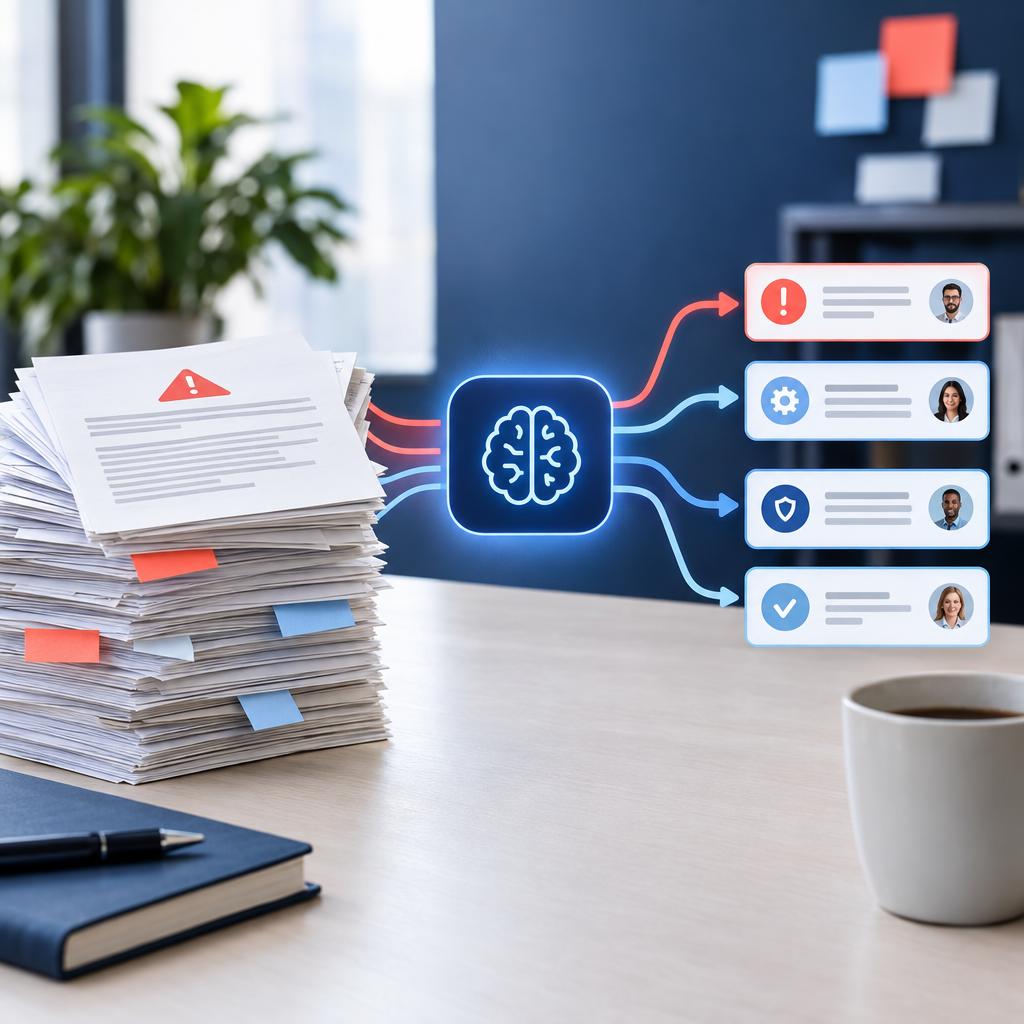
The AI Incident Postmortem Summariser & Action Router centralises incident information from alerts, error logs, tickets and chat messages and produces concise postmortems, action lists and ownership assignments. Instead of spending hours collating messages after an outage, teams receive structured summaries that capture timeline, probable root causes and recommended remediation steps.
implementi.ai operates and maintains the solution as an ongoing managed service: we connect the agreed systems, tune classification and routing rules, monitor automation health and handle fixes so your team benefits from continuous, reliable post-incident outputs without adding engineering overhead.
The problem
When incidents occur, relevant information is scattered across monitoring alerts, error-tracking tools, tickets and internal chat. Engineers and on-call staff manually collect logs, copy messages into a document, infer timelines and assign follow-ups — a slow, inconsistent process that delays remediation and makes learning from incidents unpredictable. As the organisation scales, incidents become more frequent and cross-team dependencies multiply, increasing the risk of missed actions and duplicated work unless a repeatable, automated approach is adopted.

What this solution automates
This managed product automates the capture, synthesis and routing of incident information into a repeatable postmortem and action-tracking flow. It produces human-readable summaries and manages follow-up tasks until completion, with alerts for stalled actions and configurable approval or escalation steps.
- Collects incident inputs (alerts, tickets, chat snippets) and normalises them into a single incident record.
- Generates a concise postmortem: timeline, observed symptoms, probable root cause(s) and suggested mitigations.
- Creates, assigns and routes follow-up tasks to ticketing systems or task boards and monitors their completion.
- Flags ambiguous cases and routes exceptions to human reviewers or escalation lists.
- Maintains an incident history for trend detection and searchable past postmortems.
What your business gains
- Faster post-incident clarity. Summaries remove the manual step of collating notes so teams can see causation and next steps immediately after an event.
- Reliable task follow-up. Automated creation and routing of remediation tasks reduces the chance that important fixes are forgotten or duplicated across teams.
- Consistent documentation. Standardised postmortem outputs make it easier to review past incidents, onboard engineers and run retrospective analysis.
- Lower cognitive load for on-call staff. On-call engineers spend less time drafting documents and more time focusing on containment and recovery.
- Operated and maintained service. implementi.ai monitors the automation, handles integration issues and tunes classification rules on an ongoing basis so the solution stays reliable as tools and workflows change.
A practical use case
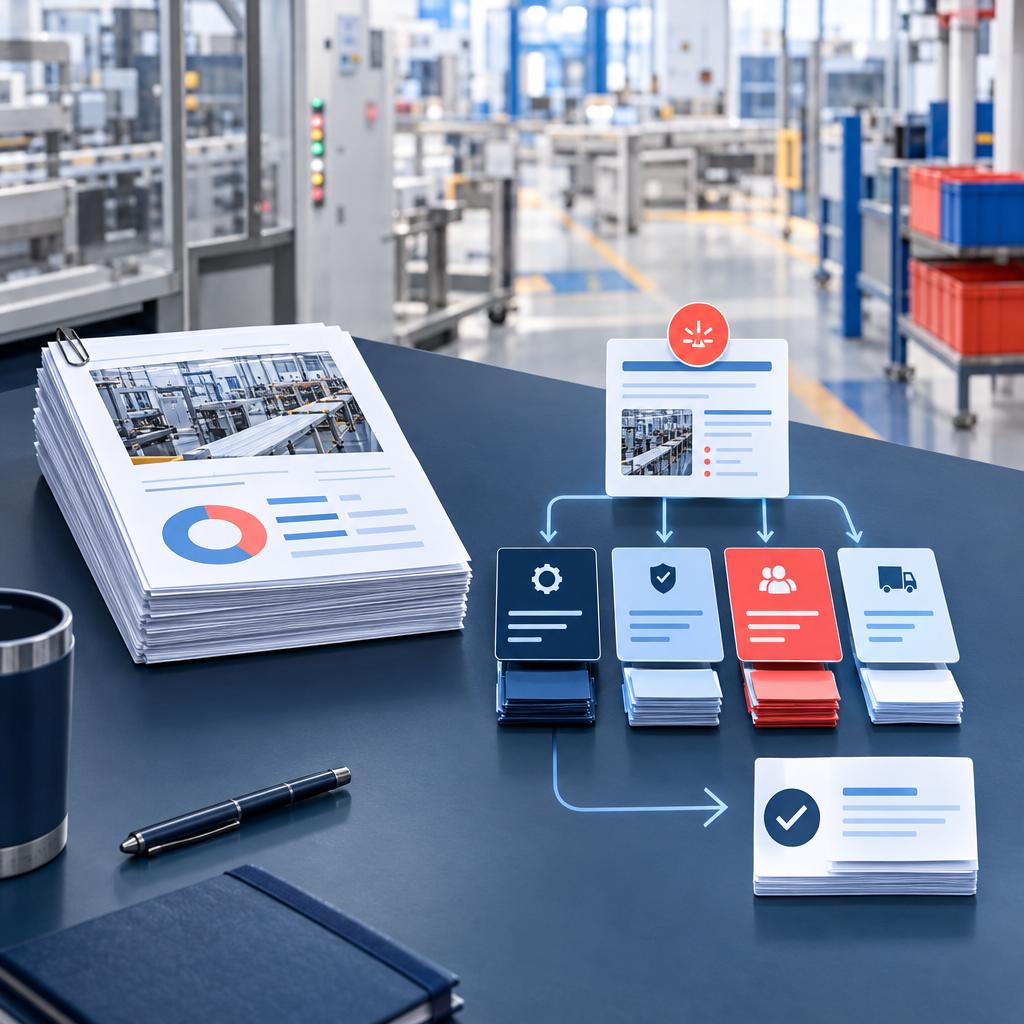
A mid-sized SaaS operations team receives alerts from a monitoring system and error-tracking tool during a partial outage. Instead of manually collating timestamps from alerts, support tickets and a Slack incident channel, the automation captures the most relevant messages, summarises the event timeline and probable cause, then opens follow-up tasks in the team’s ticket queue and assigns owners. When a suggested mitigation needs human validation, the automation routes it to a designated reviewer. The result: faster remediation, clear responsibilities and a searchable postmortem archive for future reviews.
Who is it for?
- Site Reliability Engineering (SRE) and Ops teams — need consistent postmortems and tracked remediation without extra on-call load.
- Customer support teams in product-led companies — want clearer incident narratives to communicate with affected customers.
- Engineering managers and incident commanders — require a reliable incident history and action tracking to improve system reliability.
- Smaller DevOps teams without dedicated postmortem processes — gain a repeatable, low-overhead way to capture learnings and drive fixes.
What is included in the monthly service
The monthly subscription covers the managed automation and ongoing operational activities required to keep the postmortem and action routing solution working. implementi.ai configures agreed integrations, operates the automation, monitors its operation and handles errors or connector fixes. We also maintain and tune classification rules and routing logic as your workflows change.
- Operation of the automation and monitoring for failures.
- Connections to the systems agreed during onboarding.
- AI processing for summarisation and action-generation.
- Handling and fixing automation errors and reasonable configuration updates.
When this solution may not be necessary
- Organisations that prefer fully manual, bespoke postmortem processes with no automation may find this solution unnecessary.
- Very small teams with extremely rare incidents and no desire to maintain a searchable incident history might not benefit from ongoing managed summarisation.
How it works
- Input capture. The automation listens for incident triggers from agreed sources (alerts, error trackers, tickets, chat channels) and collects the most relevant messages and metadata into a single incident record.
- Context enrichment. It enriches the record with related ticket IDs, recent deploys, service ownership and basic metrics so the summary includes context needed for decisions.
- AI summarisation. A focused AI process produces a concise postmortem: timeline, observed symptoms, likely root causes and suggested mitigations in a human-readable format ready for review.
- Action generation. The system converts suggested mitigations into concrete follow-up tasks, assigns owners using your routing rules, and opens them in the agreed ticketing or task system.
- Exception handling & human review. When the AI is uncertain or a proposed action requires approval, the item is routed to on-call engineers or a designated reviewer for validation and editing.
- Monitoring & reminders. The automation tracks follow-up task progress and sends reminders or escalations if actions stall beyond configured thresholds.
- History & reporting. Completed postmortems and action outcomes are stored for search and trend analysis, enabling periodic review of recurring causes and improvement opportunities.
Example workflow
For example, imagine a company that uses a monitoring service, Sentry for errors, Jira for tickets and Slack for incident coordination. An alert triggers when a payment API sees elevated errors. The automation collects alert metadata, recent Sentry errors and key Slack messages, then produces a short postmortem that lists the timeline, suspected deployment-related cause and a recommended rollback or patch task. The automation opens a Jira task assigned to the payment-service owner and pings the on-call channel if the recommended action remains unacknowledged. If the summary is ambiguous, a human reviewer receives the draft for quick approval before tasks are created.
Integrations
Typical systems
Typical systems that can be connected include incident and alerting platforms (PagerDuty, Opsgenie), error-tracking tools (Sentry), monitoring/observability services (Datadog, New Relic), ticketing and task systems (Jira, ServiceNow, GitHub Issues), and team chat tools (Slack, Microsoft Teams). These are presented as examples — final compatibility is confirmed before implementation.
Connection methods
Common connection methods are platform APIs and webhooks, native integrations where available, email-to-ticket routing or agreed CSV/data exports for historical imports. Chat channels are typically connected using workspace integrations or bot tokens. We confirm the best method during scoping so the automation can reliably receive triggers and post tasks.
What we need from your company
Before launch we agree the list of systems to connect, example incidents or sample data, the ticketing queues and owners for task routing, and any approval or escalation rules. We also need details about which fields to include in summaries (e.g., deploy IDs, service tags) and any sensitive data redaction rules. Compatibility, access method and final scope are confirmed and agreed prior to implementation.
FAQ
Which incident sources can you connect?
We typically connect alerting platforms, error trackers, monitoring tools, ticketing systems and chat channels. Compatibility is confirmed during scoping and we select the appropriate connection method (API, webhook, email or export) for each system.
Can the AI be tuned to our postmortem template?
Yes. We configure the summarisation style and required fields to match your postmortem template, and implementi.ai performs ongoing tuning so outputs remain consistent with your expectations.
How are follow-up tasks assigned and tracked?
During onboarding you specify routing rules: which teams or queues receive specific action types. The automation creates tasks in the agreed ticketing system and monitors completion, sending reminders or escalations when needed.
What happens if the AI is unsure about a root cause?
Ambiguous analyses are routed to human reviewers or an escalation list for quick validation. The automation will not create critical actions without the configured approval pathway when uncertainty is detected.
How does implementation start?
We begin by scoping the systems to connect, reviewing sample incidents and agreeing routing/approval rules. Launch timing depends on the integrations and scope and is confirmed before implementation.
Price
The activation fee covers the initial setup, implementation and launch of the agreed automation scope.
The monthly subscription covers the ongoing operation, maintenance and management of the automation service.
The exact scope and final monthly subscription are confirmed before launch.
Ready to automate this process?
Tell us which incident, alerting and ticketing systems you use and a recent incident example to review.
We’ll confirm how this solution can be connected, its scope and the final monthly subscription.
| Email uscontact@implementi.ai | Call us+48 660 983 178 |