
描述
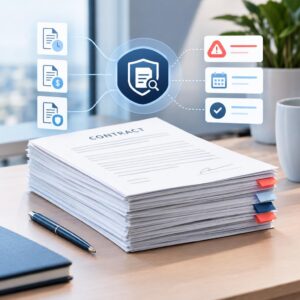
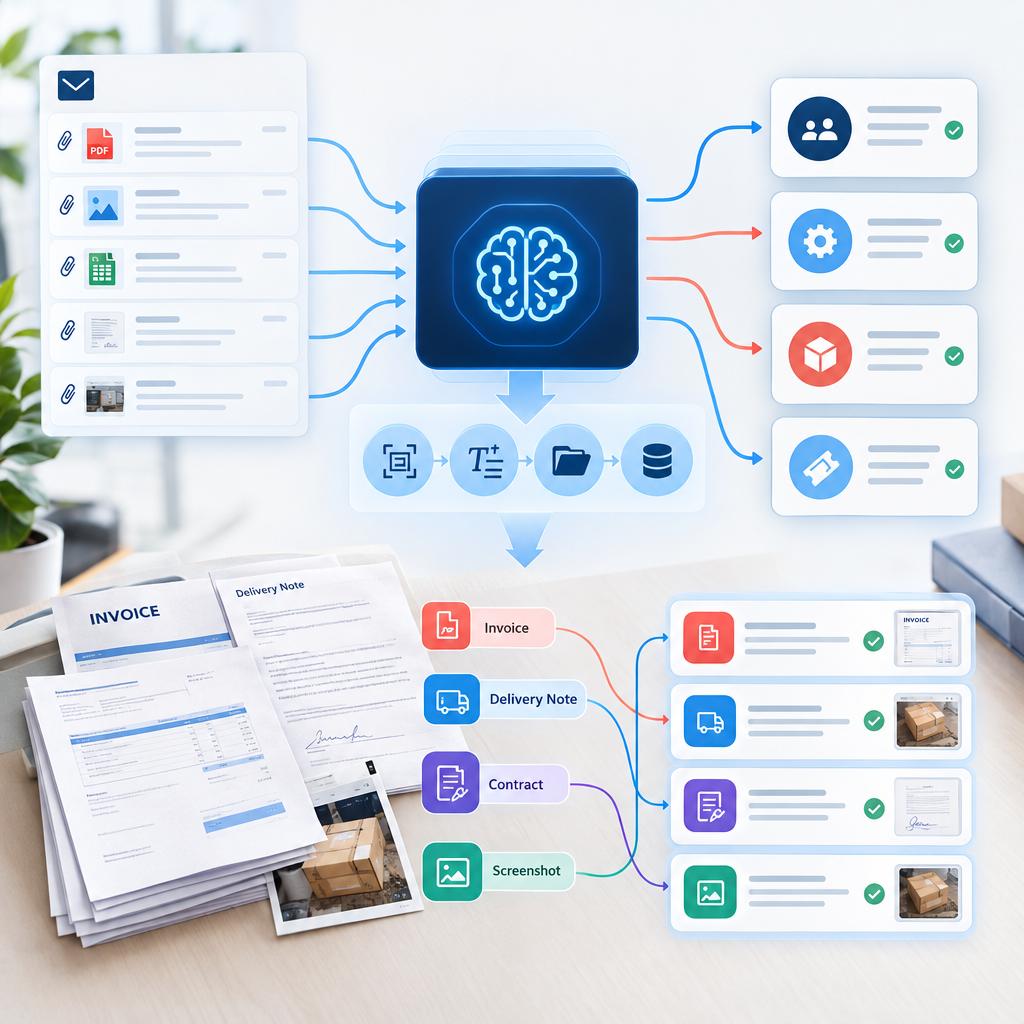
This managed service watches agreed mailboxes and ticket channels, extracts attachments, applies OCR and AI classification, and attempts to match document metadata to existing orders, invoices, customers or support cases. Where a confident match is found the system pushes structured metadata and a link to the document into the target system; where uncertainty remains it creates a concise exception for human review.
implementi.ai operates and maintains the automation: we configure extraction rules, build the matching logic, monitor processing and handle errors so your teams stop spending hours opening emails, renaming files and hunting for related records.
问题
Many teams still rely on people opening shared inboxes to find PDF invoices, shipping photos, signed contracts and other attachments. Staff manually download files, run OCR tools, copy values into ERPs or ticket systems and then try to find matching orders or customer accounts. This manual flow is slow, inconsistent and easy to misroute — documents are overlooked, duplicates are created, approvals are delayed and follow-ups get missed. As volumes grow, the backlog and exception flood increases, making the process a recurring operational bottleneck.

该解决方案实现了哪些自动化功能
This product automates the continuous capture, extraction and routing of email attachments and their metadata, plus intelligent matching to your business records. It handles common document types and creates structured outputs that other systems can use.
- Monitor agreed mailboxes and ticket channels for new messages with attachments.
- Automatically download attachments, run OCR and extract key fields (dates, amounts, PO numbers, names, IDs).
- Classify document type (invoice, delivery note, signed contract, screenshot, log file) using AI models.
- Attempt to match extracted metadata to orders, invoices, customers or support cases in CRM/ERP/ticketing systems.
- Push structured metadata and a document link to the target system when confidence is high.
- Create exception tasks with clear context when matches are uncertain for human review and resolution.
- Log processing history and surface recurring failure patterns for tuning.
您的企业将获得什么
- Faster processing. Documents are captured and routed automatically so teams spend less time downloading attachments, manually entering data or searching for related records.
- Fewer missed documents. Continuous mailbox monitoring reduces the chance that invoices, delivery notes or signed approvals are overlooked or lost in a crowded inbox.
- Consistent classification. AI-powered document typing and OCR deliver more consistent metadata extraction than ad hoc manual handling, reducing downstream reconciliation work.
- Clear human exceptions. Low-confidence matches become concise, actionable exceptions for review rather than opaque errors, so staff focus only on true edge cases.
- Better audit trail. Each processed file has a recorded match attempt and routing decision, making follow-up and dispute handling easier.
一个实际应用案例
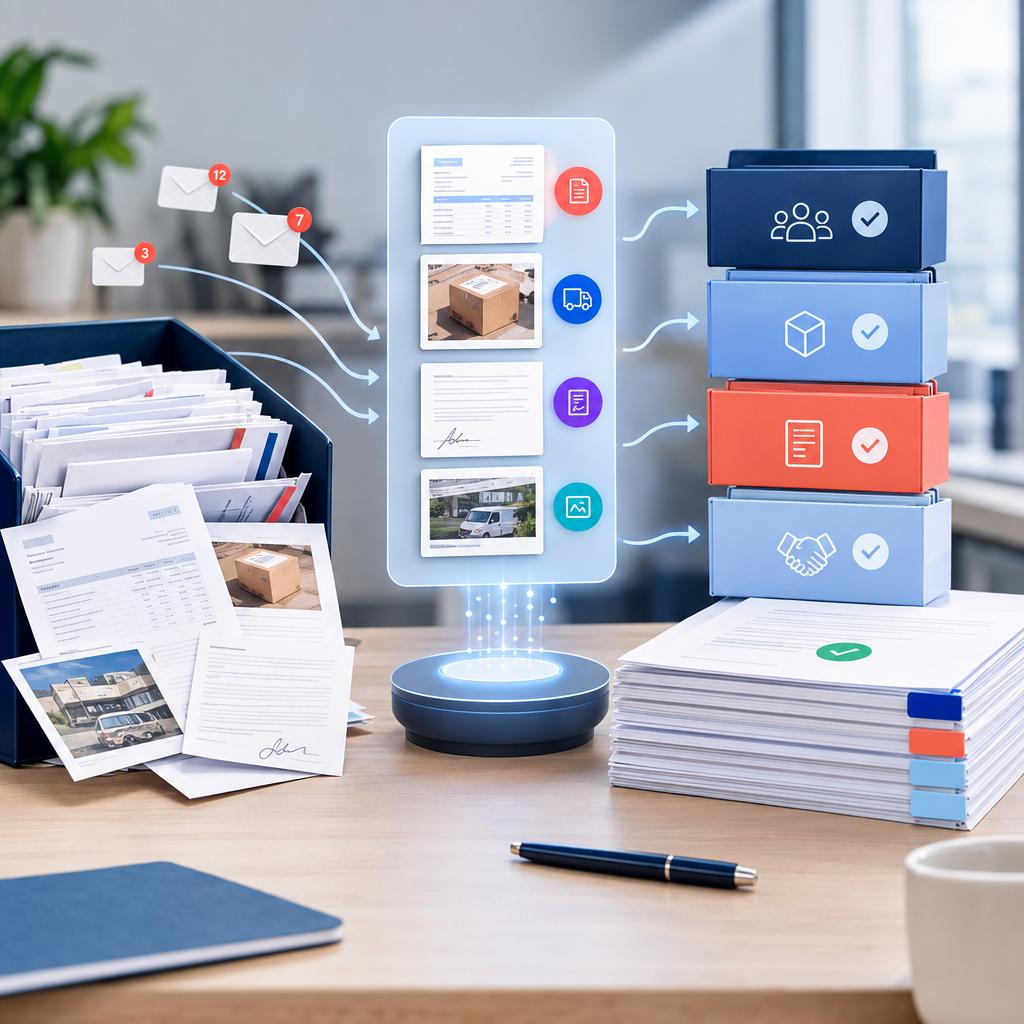
For example, an operations team receives dozens of emailed delivery notes and carrier photos every day. Staff used to spend time opening each email, renaming the file, saving it in a shared drive and trying to find the matching order in the ERP. With this service, attachments are automatically extracted and OCR’d, the system finds the likely order by PO number or customer reference, and attaches a link and metadata to the ERP record. If the match is uncertain (illegible PO, missing reference) the system creates a single exception item with the attachment and suggested match candidates so a person can resolve it quickly.
为谁而设?
- Finance teams processing emailed supplier invoices or remittance advices — to reduce manual data entry and accelerate matching.
- Operations and logistics teams receiving delivery notes and damage photos by email — to attach evidence to orders and trigger investigations faster.
- Sales or account teams with repeated emailed signed documents — to ensure signed contracts are linked to the correct account records.
- Support teams that rely on screenshots, logs or PDFs sent by customers — to enrich tickets with parsed metadata and speed routing to specialist agents.
月度服务包含哪些内容
The monthly subscription covers the managed automation and operational upkeep required to keep the service running and useful for your teams.
- Configuration and operation of the extraction, OCR and matching automation for the agreed mailboxes and target systems.
- Connections to systems agreed before launch and monitored operation of those integrations.
- AI processing for classification and metadata extraction, including periodic tuning of models and rules.
- Monitoring, maintenance and handling/fixing of automation errors and exceptions.
- Reasonable configuration updates to mappings, matching rules and exception workflows as your needs evolve.
何时可能不需要此解决方案
- Organisations that only receive a handful of attachments per month and prefer purely manual handling — this managed automation may be excessive for very low volumes.
- Cases that require advanced legal or compliance review workflows before any automated processing — decide access and processing rules before launch.
工作原理
- Mailbox and channel watch. We connect to the agreed shared mailboxes and ticket channels and monitor them continuously for new messages with attachments.
- Attachment capture. When an email with files arrives the service downloads attachments, records envelope data (sender, subject, timestamp) and stores the original for audit.
- OCR and field extraction. Each file is processed with OCR and AI extractors to pull key fields such as PO number, invoice number, date, supplier name and amounts.
- Document classification. The system classifies the file type (invoice, delivery note, contract, image) and selects matching strategies appropriate to that type.
- Record matching. Extracted metadata is compared against your configured systems (orders, invoices, customers, tickets) and a confidence score is calculated for any candidate matches.
- Action or exception. High-confidence matches are pushed into the target system with structured metadata and a document link; low-confidence items generate an exception task with suggested matches for human review.
- Logging and tuning. All processing results are logged. We monitor failures and tune extraction or matching rules as part of the managed service to reduce future exceptions.
工作流示例
For example, imagine a company that receives supplier invoices by email into a shared finance mailbox. An email arrives with a PDF invoice attached. The automation downloads the PDF, runs OCR and extracts fields including supplier name, invoice number, invoice date and a PO reference. The AI classifier recognises the file as an invoice, then searches the ERP for a matching PO number and supplier record. Finding a single high-confidence match, the service writes a metadata record to the ERP with the invoice number and a link to the stored file. If the PO reference is missing or OCR confidence is low the system creates an exception task for a finance operator with suggested candidate matches and the original PDF attached.
集成
典型系统
Typical systems we can connect include mail platforms (Microsoft 365 / Exchange Online, Google Workspace Gmail), ticketing/helpdesk systems (Zendesk, Freshdesk), CRMs (Salesforce, HubSpot), and accounting/ERP systems (SAP, Oracle NetSuite, Xero, Microsoft Dynamics). Integration is confirmed during scoping — other systems accessible by API, webhook or file import can also be connected.
连接方法
Common connection methods are mailbox API access or secure delegated mailbox access (IMAP where required), webhooks from helpdesk platforms, system APIs for CRMs and ERPs, and CSV or secure SFTP export/import for systems without APIs. We agree the best method during the discovery phase and only use channels you approve.
我们希望贵公司能提供以下内容
Before launch we will confirm which mailboxes and ticket channels to monitor, the target systems to receive metadata, sample documents for tuning (invoices, delivery notes, contracts), and the matching rules or keys you want used (PO numbers, customer IDs, invoice numbers). We also need approved access methods and any data-retention or privacy constraints to follow. Compatibility, exact access method and scope are confirmed before implementation.
常见问题解答
How does the system handle low-quality scans or photos?
We use OCR tuned for a range of qualities and apply confidence thresholds. Low-confidence extractions are flagged as exceptions and bundled with suggested matches so a human reviewer can resolve them quickly. We also tune preprocessing rules (deskewing, contrast) during onboarding to reduce such cases.
Which mailboxes and channels can you monitor?
We can monitor shared mailboxes and agreed ticketing channels. Typical examples are Microsoft 365 shared mailboxes, Google Workspace inboxes or helpdesk queues. The exact channels and access method are agreed during scoping.
What happens when a document matches multiple records?
The automation calculates a confidence score and if multiple candidates appear it creates an exception task listing the top candidates. Your reviewers then confirm the correct match; we capture that decision and use it to improve future matching rules.
Can you push the extracted data into our ERP or CRM?
Yes — we integrate with target systems via approved APIs, webhooks or file drops and push structured metadata and a link to the stored document when a confident match is found. The specific destination fields and update behaviour are configured before launch.
How are false positives and errors handled?
Errors and uncertain matches are routed as exceptions to designated users. As part of the managed subscription we monitor error rates, investigate recurring failure patterns and adjust extraction or matching rules to reduce false positives over time.
价格
激活费涵盖商定的自动化范围的初始配置、实施和上线工作。.
月度订阅费用涵盖了自动化服务的日常运行、维护和管理。.
具体范围和最终的月费将在上线前确定。.
准备好将此流程自动化了吗?
Tell us which shared mailboxes, helpdesk and CRM/ERP systems you currently use and a few sample attachments for tuning.
我们将确认该解决方案的接入方式、适用范围以及最终的月度订阅费用。.
| 给我们发电子邮件contact@implementi.ai | 请致电我们+48 660 983 178 |