
Beschreibung
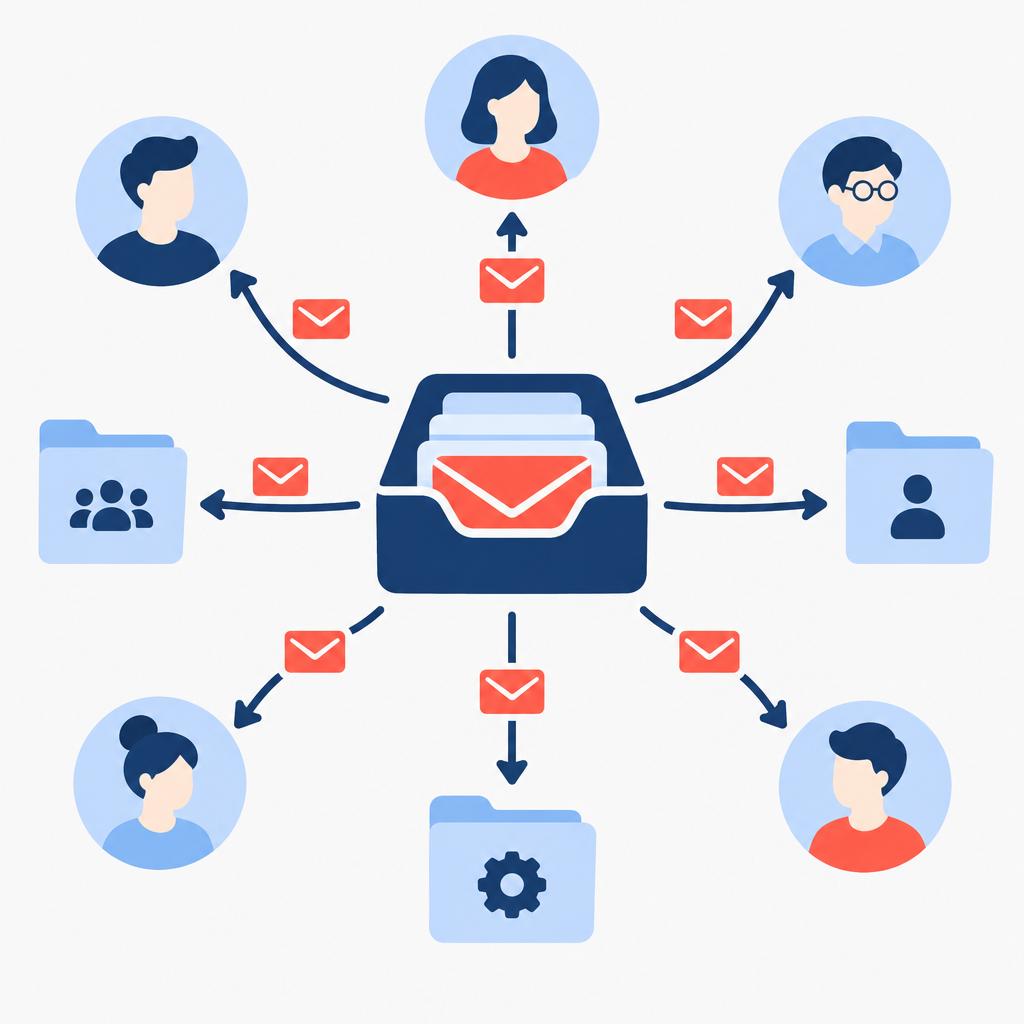
AI Assistant for Company Inbox monitors a single shared email address, reads subject and message content, classifies incoming messages, and routes each email to the correct department or employee based on rules you define. The service reduces manual forwarding, speeds up response times and helps ensure requests don’t get lost in a busy central mailbox.
implementi.ai delivers this as a managed monthly service: we set up the connectors, build the routing rules with your team, run the classification model and maintain the automation so it continues operating as your inbox traffic and business rules evolve.
Das Problem
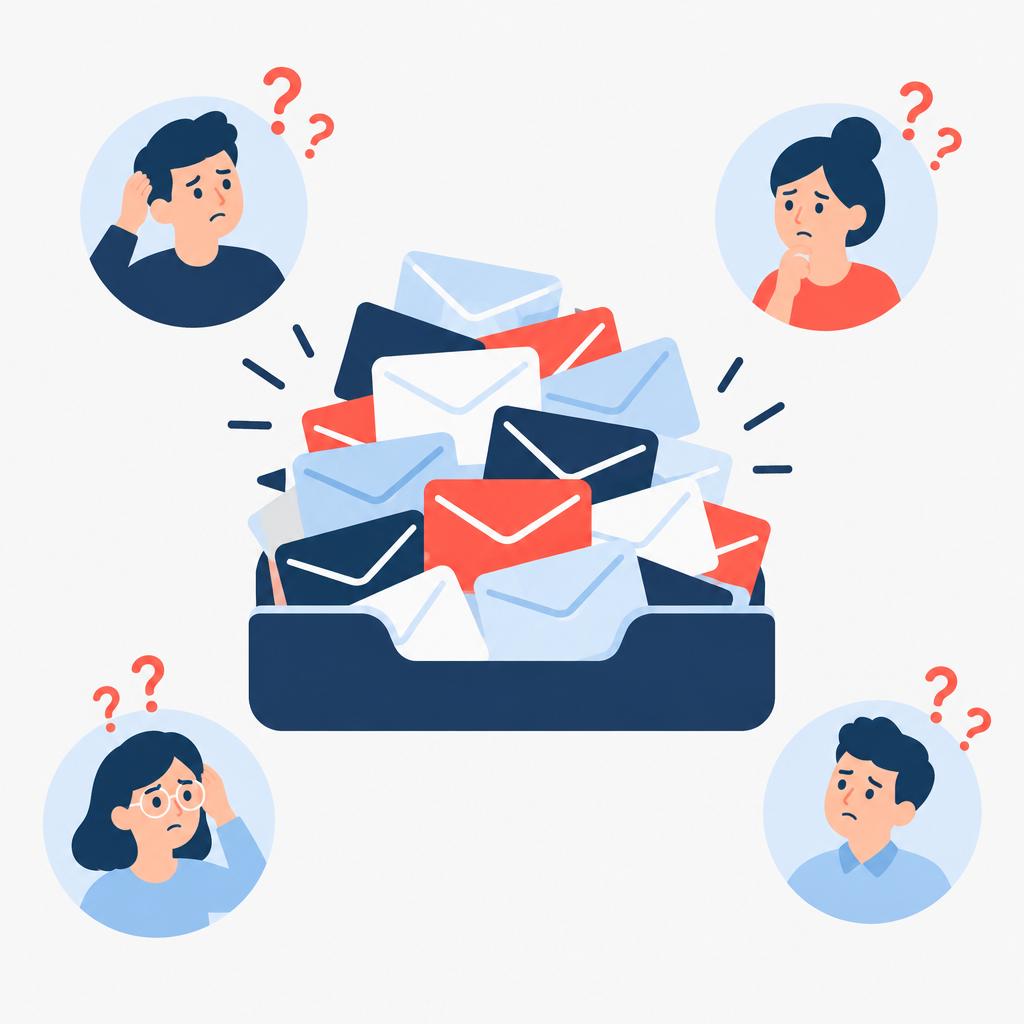
Many companies use one or two central email addresses to receive a wide range of requests: sales inquiries, vendor invoices, HR questions, technical support and general information. Without automation, staff spend time reading and manually forwarding messages, which delays responses and increases the risk of misrouting or missed requests. As volume grows, rules get inconsistent, ownership is unclear, and the inbox becomes a bottleneck for customer-facing teams. Manual approaches are time-consuming, error-prone and difficult to scale.
Was diese Lösung automatisiert
This managed solution automates the continuous triage and delivery of email that arrives at a shared company inbox. The assistant analyzes subject lines and message bodies, applies configurable routing rules, and takes the agreed actions to ensure each message reaches the right destination.
- Monitor a single shared inbox (info@, support@, office@) and ingest new messages for classification.
- Classify emails by intent and topic using natural-language analysis of subject and content.
- Route messages to departments, named employees, or external systems (ticketing/CRM) per configurable rules.
- Apply tags, priority flags or simple auto-replies for basic confirmations when requested.
- Escalate or flag exceptions for human review when the classifier’s confidence is low or rules require approval.
Was Ihr Unternehmen davon hat
- Reduced manual work. Your team spends less time sorting and forwarding emails; staff receive only relevant messages routed to them automatically.
- Schnellere Reaktionszeiten. Messages are delivered directly to the right person or system, reducing hand-offs and response delays.
- Klare Zuständigkeiten. Routing rules assign or tag messages so responsibility is visible and follow-up becomes easier to track.
- Fewer missed messages. Consistent classification and routing reduce the chance that requests get lost in a crowded shared inbox.
- Configurable and adaptable. Rules and classification can be adjusted over time as your enquiry types or team structure change.
Ein praktischer Anwendungsfall
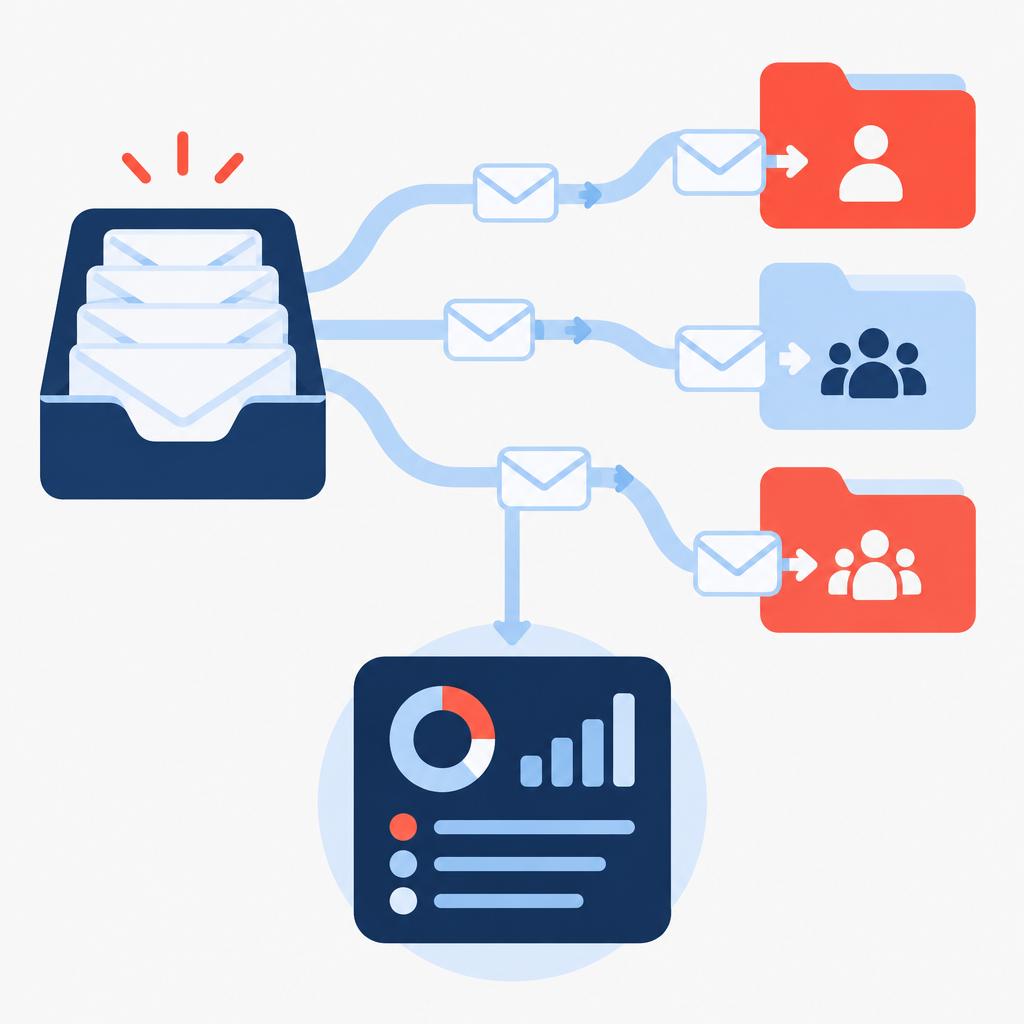
For example, a small manufacturing business receives orders, invoice questions, spare-parts requests and HR queries at one company email address. Before automation, the office manager manually reads and forwards each message to purchasing, accounting, warehouse or HR. With the AI Assistant for Company Inbox, incoming emails are automatically classified and routed to the appropriate owner or ticket queue. Simple acknowledgements are sent where appropriate, while unclear or high-priority messages are flagged for human review. The result is fewer hand-offs, quicker answers for customers and less time spent on inbox triage.
Für wen ist es gedacht?
- Small to mid-size companies using a single shared inbox — need automated routing to reduce manual forwarding.
- Customer service teams — want faster routing to specialist agents and clearer ownership of inbound requests.
- Operations or office managers — need to reduce time spent triaging varied enquiries arriving at a central email address.
- Businesses that want a managed automation — prefer an ongoing service where implementi.ai configures, operates and maintains the routing rules.
Was ist im monatlichen Service enthalten?
The monthly subscription covers operation and maintenance of the inbox assistant as a managed automation. implementi.ai configures the initial connectors and routing rules, runs the AI-based classification, monitors the automation for errors, and applies routine maintenance and reasonable configuration updates to keep the system aligned with your evolving needs.
- Connection setup and rule configuration agreed before launch.
- Ongoing AI processing for message classification and routing.
- Monitoring of operation plus error handling and fixes when needed.
- Reasonable updates to rules and routing to reflect changing business needs.
Wann diese Lösung möglicherweise nicht erforderlich ist
- Very small teams that receive only a handful of relevant emails per week — manual handling may be simpler and cheaper.
- Organisations needing a full-featured ticketing system or multi-channel contact center solution — you may prefer a dedicated helpdesk platform rather than a single-inbox assistant.
So funktioniert es
- Connect the shared inbox. We connect to your chosen shared email address using an agreed method so the system can read incoming messages for classification and routing.
- Define routing rules. Together we capture your routing logic: which keywords, intents or sender types map to departments, employees or external systems.
- Train and test the classifier. The AI model is tuned on sample messages and rules you provide, and we test classifications against real examples to reduce false matches.
- Automatic triage and routing. When messages arrive, the assistant classifies content and routes the email or a summarized notification to the designated recipient or target system.
- Handle exceptions. Low-confidence or rule-conflicting messages are flagged for human review or routed to a fallback mailbox per your configuration.
- Monitor and adjust. We monitor operation, review error cases and apply periodic adjustments to rules and classifier settings as your needs change.
Beispiel-Workflow
For example, imagine a company that receives sales inquiries, vendor invoices and support requests at info@. An incoming message with the subject “Invoice for April” is read by the assistant; the content is analysed and classified as an invoice. The automation applies the rule that forwards invoice emails to the accounting mailbox and adds an “invoice” tag. If the message contains an attachment, the assistant can include that in the forwarded message or create a ticket in the accounting system. If classification confidence is low or the message matches multiple rules, it is flagged to a review queue where a human verifies the destination.
Integrationen
Typische Systeme
Typical systems that may be connected include email providers (Gmail / Google Workspace, Microsoft 365 / Exchange), ticketing and helpdesk platforms (examples: Zendesk, Freshdesk) and CRM systems (examples: HubSpot, Salesforce) when you want routed messages to appear in workflows or contact records. Other systems can potentially be connected via API, webhooks or email-based ticket creation, depending on your requirements. Final compatibility is confirmed before launch.
Anschlussarten
Common connection methods are native connectors for Gmail and Microsoft 365, standard IMAP/SMTP for other mailboxes, and forwarding rules that send copies to the assistant. Where required, the assistant can create tickets or push data to external systems via APIs or webhooks, or generate email-based ticket creation for systems that accept inbound email. The exact method is chosen during scoping and confirmed before implementation.
Was wir von Ihrem Unternehmen benötigen
We typically need the shared inbox address and details on any destination mailboxes or systems you want messages routed to, examples of typical incoming messages, and a clear list of routing rules or prioritisation guidelines. If you want integration with a ticketing or CRM system, provide example credentials or an admin contact and an outline of where messages should appear. Access method and final compatibility are agreed before launch; we do not proceed without those confirmations.
Häufig gestellte Fragen
Which email platforms do you support?
We commonly connect to Gmail / Google Workspace and Microsoft 365 using native connectors, and can also work with standard IMAP/SMTP mailboxes. If you use a different provider, we review the available connection methods during scoping.
Can the assistant create tickets in our helpdesk or CRM?
Yes. In many cases we can forward or transform routed messages into tickets or CRM records using available APIs or by sending to an inbound ticketing address. Integration specifics are agreed during implementation.
What happens when the classifier is unsure?
Messages with low classification confidence or that match multiple rules are routed to a human review queue or a fallback mailbox according to your configuration so they don’t get misrouted automatically.
How much customization is possible for routing rules?
Routing rules are configurable and can be based on sender, subject keywords, message content, attachments or sender domain. We capture your business rules during setup and implement reasonable changes as part of the monthly service.
Wie beginnen wir mit der Umsetzung?
We begin by agreeing the scope, connection method and routing rules, and by exchanging sample messages. Final launch timing depends on the integrations and scope; we confirm the plan before work starts.
Wovon hängt der monatliche Preis ab?
The monthly price reflects ongoing operation, AI processing for classification, monitoring, error handling and reasonable configuration updates. Integrations, email volume and the number of destination systems affect the implementation complexity and may influence the selected tier.
Preis
Die Aktivierungsgebühr deckt die Ersteinrichtung, die Implementierung und die Inbetriebnahme des vereinbarten Automatisierungsumfangs ab.
Das monatliche Abonnement umfasst den laufenden Betrieb, die Wartung und die Verwaltung des Automatisierungsdienstes.
Der genaue Umfang und die endgültige monatliche Abonnementgebühr werden vor dem Start bestätigt.
Sind Sie bereit, diesen Prozess zu automatisieren?
Tell us which shared inbox address and any destination systems (CRM, ticketing, accounting) you want the assistant to route messages to.
Wir werden klären, wie diese Lösung angeschlossen werden kann, welchen Umfang sie hat und wie hoch die monatliche Abonnementgebühr letztendlich sein wird.
Buchen Sie ein 30-minütiges Telefonat
| Schreiben Sie uns eine E-Mailcontact@implementi.ai | Rufen Sie uns an+48 660 983 178 |