

Description
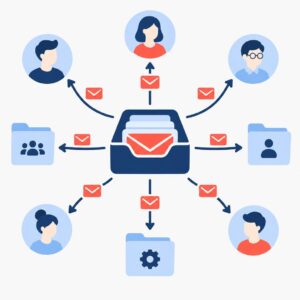
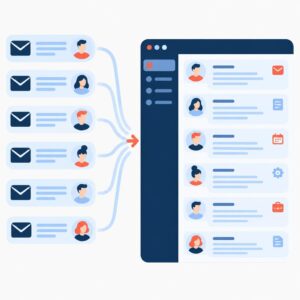
AI Automatic Reply to Email is a monthly managed automation service from implementi.ai that keeps your inbox responsive without adding full-time staff. The system monitors incoming messages, understands context, and generates clear, brand-aligned replies — then saves them as drafts or sends them automatically based on your rules.
implementi.ai configures, operates and maintains the automation: we connect the agreed systems, tune the reply style, monitor performance, and handle fixes so the feature runs reliably as part of your monthly subscription.
The problem
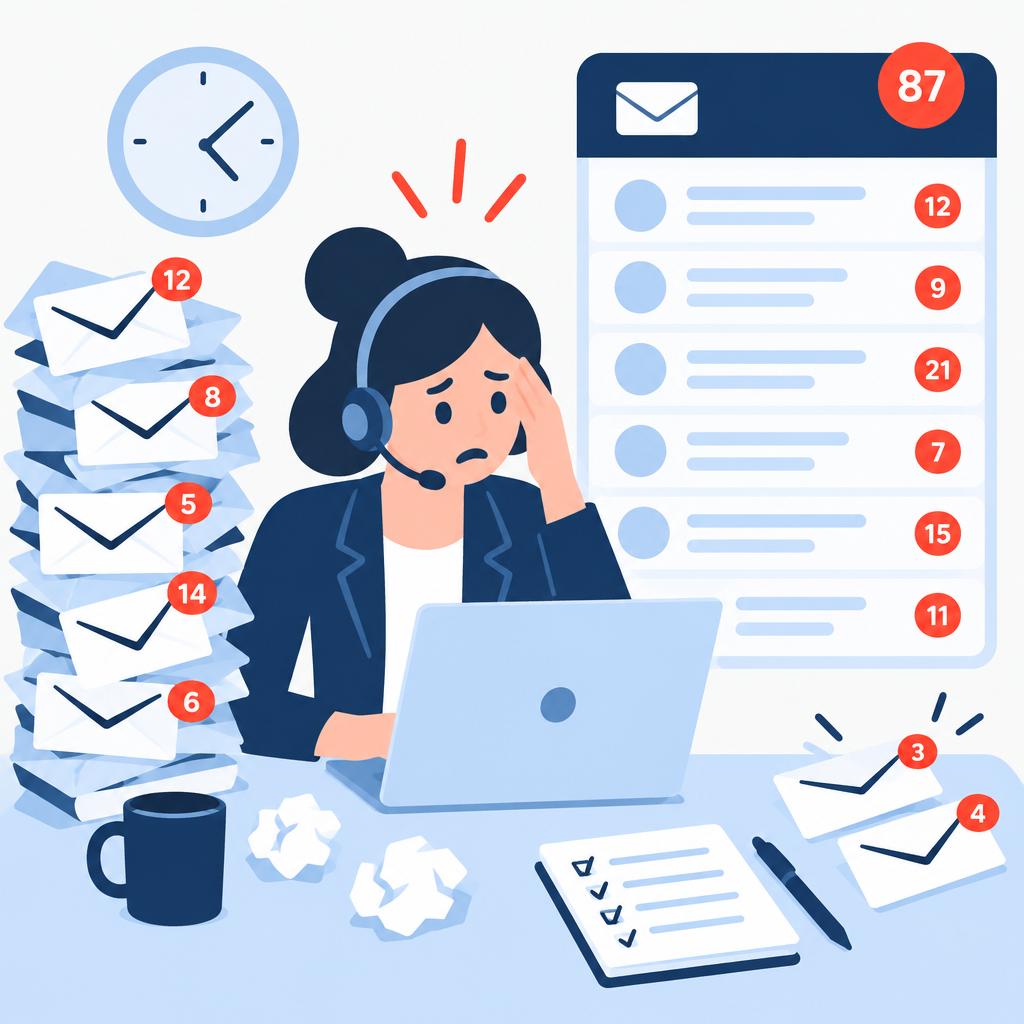
Many teams spend hours on routine email: acknowledging inquiries, answering FAQs, confirming meetings and routing messages to the right team. Manual handling delays responses, creates inconsistent tone and increases the chance of missed or duplicated work. As message volume grows the cost of manual replies rises and quality control becomes harder—especially when responses must match a brand voice and when some replies require human review or escalation.
What this solution automates
This service automates detection, classification and reply generation for inbound emails and common message types. It can create draft replies or send messages automatically depending on configured rules, and it routes exceptions for human review.
- Detect new incoming messages and extract key details (sender, subject, intent).
- Classify message type (support request, meeting request, billing query, etc.).
- Generate a personalized reply in your chosen tone and save as a draft or send automatically.
- Insert dynamic placeholders—appointment times, next steps, links—when data is available.
- Route or escalate messages that require manual handling to a specified inbox, CRM ticket or Slack channel.
What your business gains
- Faster responsiveness. Automatically generate or send first-touch replies the moment a message arrives so customers get immediate acknowledgement and key information without manual delay.
- Consistent tone and accuracy. Replies are configured to match your brand voice and common response templates, reducing variability between different agents and shifts.
- Lower operational load. Routine messages are handled by the automation so teams can focus on higher-value questions that require human judgment.
- Control and oversight. Draft mode and routing rules let you keep final approval on messages where needed and audit the automation’s decisions.
- Ongoing management. The subscription includes monitoring, maintenance and on-request updates to rules and tone, reducing the risk of drift or errors over time.

A practical use case
Consider a professional services team that receives a steady stream of client queries about availability, basic product questions and meeting requests. The automation watches the inbox, sends an immediate acknowledgement for incoming tickets, drafts suggested replies tailored to each query type and inserts calendar links for meeting requests. Agents review complex cases while routine items are resolved automatically or with one-click approval, which reduces response latency and keeps clients informed while preserving human oversight for exceptions.
Who is it for?
- Customer service teams that need to manage high volumes of inbound email and maintain consistent replies.
- Small sales or operations teams that want immediate acknowledgements and draft responses without hiring additional staff.
- Consultants or freelancers who must respond quickly to leads and meeting requests but prefer to review replies before sending.
- Business owners who want automated first-touch communication that reflects their brand voice while retaining final control.
What is included in the monthly service
The monthly subscription covers the managed automation running and maintenance performed by implementi.ai. We operate the automation, connect the agreed systems, monitor its operation, handle errors and apply reasonable configuration updates to keep the solution working as agreed.
- Ongoing AI processing and reply generation.
- Monitoring of automation health and corrective fixes.
- Minor configuration and tone updates to maintain accuracy.
- Managed routing to the agreed human review points or systems.
When this solution may not be necessary
- Companies that require on-premise-only solutions with no third-party connections — this service assumes cloud or API-accessible systems agreed before launch.
- Organizations that need complex multi-source ERP forecasting or inventory replenishment — those scenarios require a different high-volume integration scope.
How it works
- Discovery and rules design. We review the inbox(s), common message types and your desired reply policies, then define rules for which messages are auto-sent, which are saved as drafts and which require human review.
- Integration and access setup. Implementi.ai connects the agreed email account(s) and optional systems (CRM, calendar) using APIs, OAuth or agreed access methods and validates data flows.
- Reply style tuning. We configure the AI reply templates and tone settings so generated replies match your brand and set exception rules for sensitive subjects.
- Pilot and review cycle. The system runs in draft mode for an initial period so your team can review generated replies; we adjust classifiers and templates from feedback.
- Operate and monitor. After approval we operate the automation in the agreed mode (auto-send or draft), continuously monitor performance and handle operational fixes.
- Escalation and routing. Messages that match exception rules are routed to a ticketing inbox, CRM or Slack channel for human follow-up according to your routing rules.
- Ongoing tuning. We apply periodic adjustments to rules and templates as volume or customer expectations change, included in the monthly service.
Example workflow
For example, imagine a company that receives dozens of daily emails asking about product availability, billing and meeting availability. When a new message arrives the automation classifies its intent, extracts key data (order number, requested time), and generates a reply in the company’s tone. If the message requests a meeting the system inserts available time slots and saves the draft for quick human approval; if it’s a routine availability query it sends an immediate automated reply confirming status and next steps. Messages that include complex or sensitive keywords are routed to an agent queue for manual handling. The result: faster acknowledgements, consistent messaging and fewer routine tickets for the team to process.
Integrations
Typical systems
Typical systems that are commonly connected include cloud email providers (Gmail / Google Workspace, Microsoft 365), CRM systems (for contact/ticket routing), calendar systems for meeting links, and chat/ticket channels used for escalation (e.g., Slack, Microsoft Teams). Other systems can potentially be connected via APIs, webhooks or agreed data exports. Exact compatibility and final integration list are confirmed before implementation.
Connection methods
Connections are implemented by the method best supported by each system: OAuth or API integration for cloud email and CRM platforms, standard webhooks for event routing, calendar API access for meeting links, or secure mailbox access if necessary. Where APIs are not available, CSV or scheduled exports and agreed intermediary systems can be used. The final connection method is agreed during scoping.
What we need from your company
Before launch we clarify which inboxes and systems must be connected, expected daily message volume, the reply rules (auto-send vs draft), and the approval/escalation workflow. We also need sample messages and tone examples so we can tune reply templates. Access method, credentials and any required API permissions are agreed and provisioned securely prior to configuration. Compatibility and exact access are always confirmed before work begins.
FAQ
How does the automation decide when to send a reply automatically and when to save a draft?
We configure decision rules during onboarding. You define which message types or triggers can be auto-sent (for example, order acknowledgements) and which should create drafts for human review (complex support requests or billing issues). Rules are adjustable after launch.
Which email providers can you connect to?
We typically integrate with cloud email platforms such as Gmail (Google Workspace) and Microsoft 365. We can also connect to systems via API, webhook, or scheduled data export when direct integration isn’t available; we confirm the final method during scoping.
Can the replies be customized to match our brand voice?
Yes. We tune the AI templates and reply style with your sample messaging and approval cycles. Tone, signature format and standard phrases are configurable and we update them as part of the managed service.
What happens with messages the AI cannot confidently handle?
Messages that match exception rules or low-confidence thresholds are routed to the agreed inbox, CRM ticket or messaging channel for human handling. That routing is part of the configuration and can be changed over time.
How much maintenance is included each month?
The subscription includes monitoring, basic fixes, and reasonable configuration updates to rules and tone. Larger redesigns or additional integrations are scoped and priced separately after we confirm requirements.
Do you store message history or audit logs?
We maintain operational logs and a working history required to run the automation and to support monitoring and debugging. The exact retention and data handling details are confirmed during the project scoping.
Price
The activation fee covers the initial setup, implementation and launch of the agreed automation scope.
The monthly subscription covers the ongoing operation, maintenance and management of the automation service.
The exact scope and final monthly subscription are confirmed before launch.
Ready to automate this process?
Tell us which email platform(s), CRM and average daily inbox volume you want the automation to handle.
We’ll confirm how this solution can be connected, its scope and the final monthly subscription.
| Email uscontact@implementi.ai | Call us+48 660 983 178 |