
Description
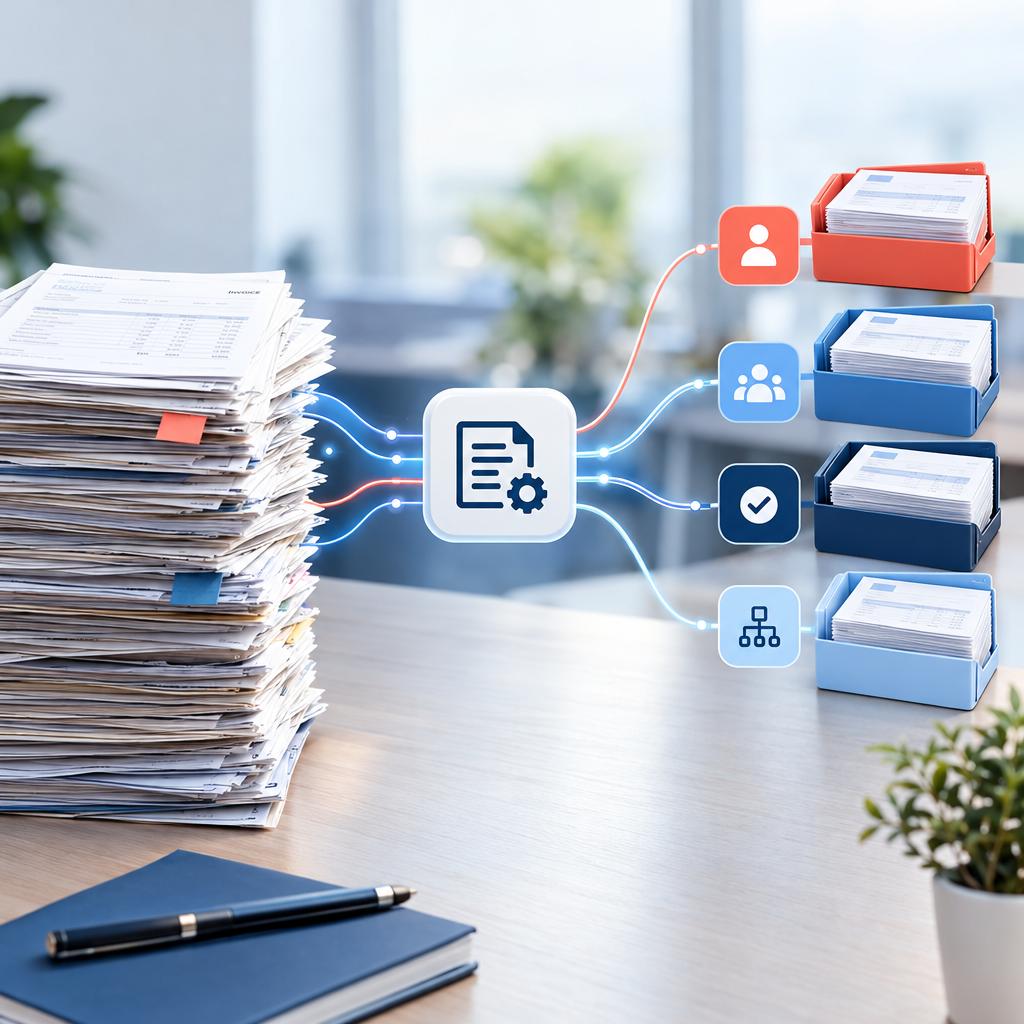
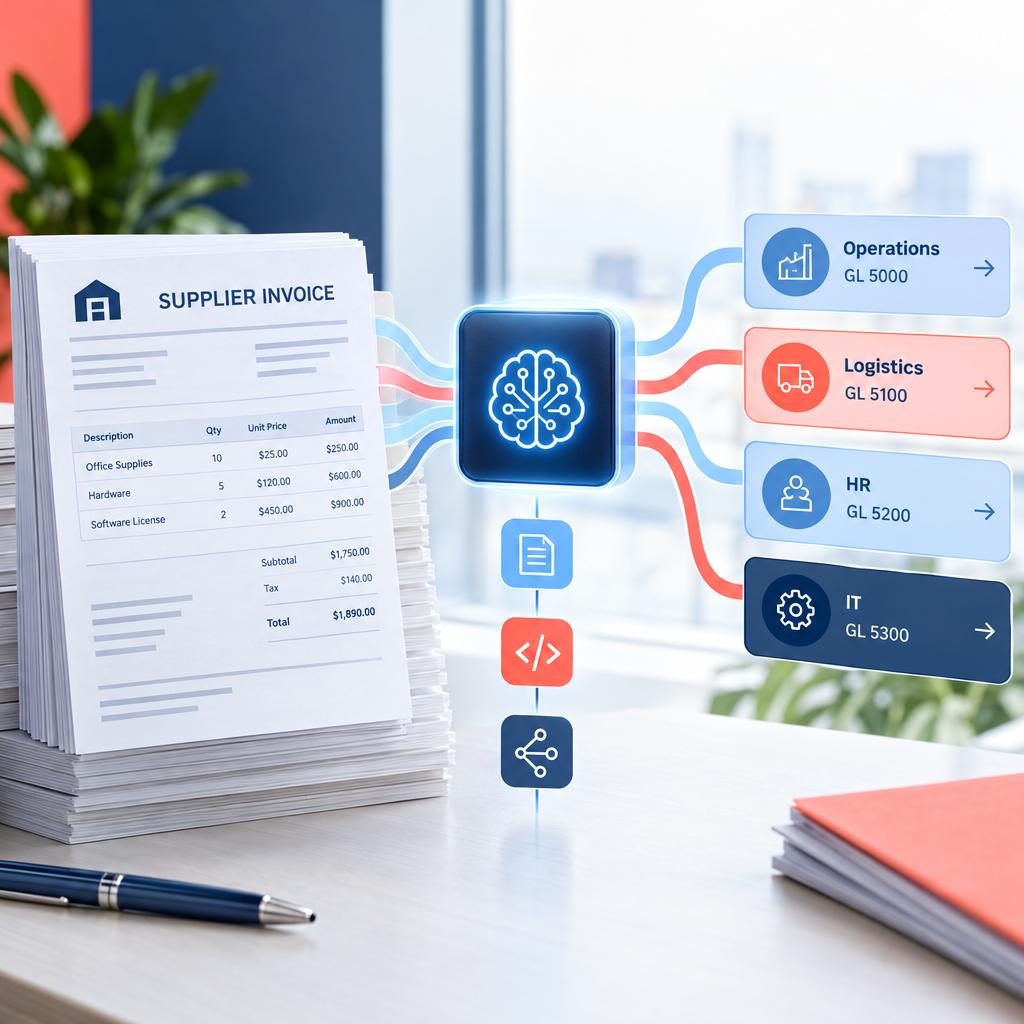
The AI Supplier Invoice GL Coder & Department Router continuously analyses incoming supplier invoices, extracts key billing lines and suggests GL accounts and cost-centre assignments based on your chart of accounts and historical decisions. The service then routes items to the right departmental approvers with supporting context so approvals and postings can happen faster and with fewer errors.
implementi.ai operates and maintains the automation as a managed monthly service: we configure mappings, monitor daily processing, fix exceptions and tune the AI models so the solution adapts to new suppliers, invoices and accounting rules over time.
The problem
Accounts payable teams often receive invoices in many formats (PDF, email, portal exports) and must manually decide which GL account, cost centre or project each invoice line should post to. That manual work is repetitive and error-prone: invoices get miscoded, approvals are sent to the wrong people, and ERP postings require corrections. As invoice volumes grow, the workload scales with it: more exceptions, longer approval cycles and delayed supplier payments. Teams need a dependable way to make initial coding decisions consistent, speed approvals and reduce rework while preserving a human-in-the-loop for unusual cases.

What this solution automates
This managed automation extracts invoice data, proposes GL and cost-centre assignments, routes approval tasks, posts validated transactions to the ERP (or prepares a confirmed import), and keeps an audit trail of decisions and exceptions.
- Optical text extraction from PDF and image invoices (OCR) and parsing of emailed invoices.
- AI-driven line-level classification to suggest GL accounts, cost centres and project tags.
- Automatic routing to departmental approvers based on configurable rules (amount, supplier, cost centre, commodity).
- Two-way updates with the ERP or accounts-payable platform: create draft postings or push approved transactions.
- Exception detection and escalation to finance operators when confidence is low or rules conflict.
- Ongoing model tuning from approved corrections and maintained mapping tables.
What your business gains
- Faster invoice processing. Automating the first-pass coding and routing reduces time-to-approval and shortens the AP cycle so invoices move to posting sooner.
- Fewer coding errors. Consistent AI-driven suggestions aligned with your chart of accounts reduce miscoding and the need for later corrections in the ERP.
- Clearer approver context. Approvers receive line-level context and recommended codes, so decisions are faster and better documented for audit trails.
- Reduced manual workload. AP staff spend less time on routine coding and more time resolving genuine exceptions or supplier queries.
- Continuous improvement. The managed service tunes mappings and model behaviour over time using approved corrections, improving accuracy without additional internal resource strain.
A practical use case
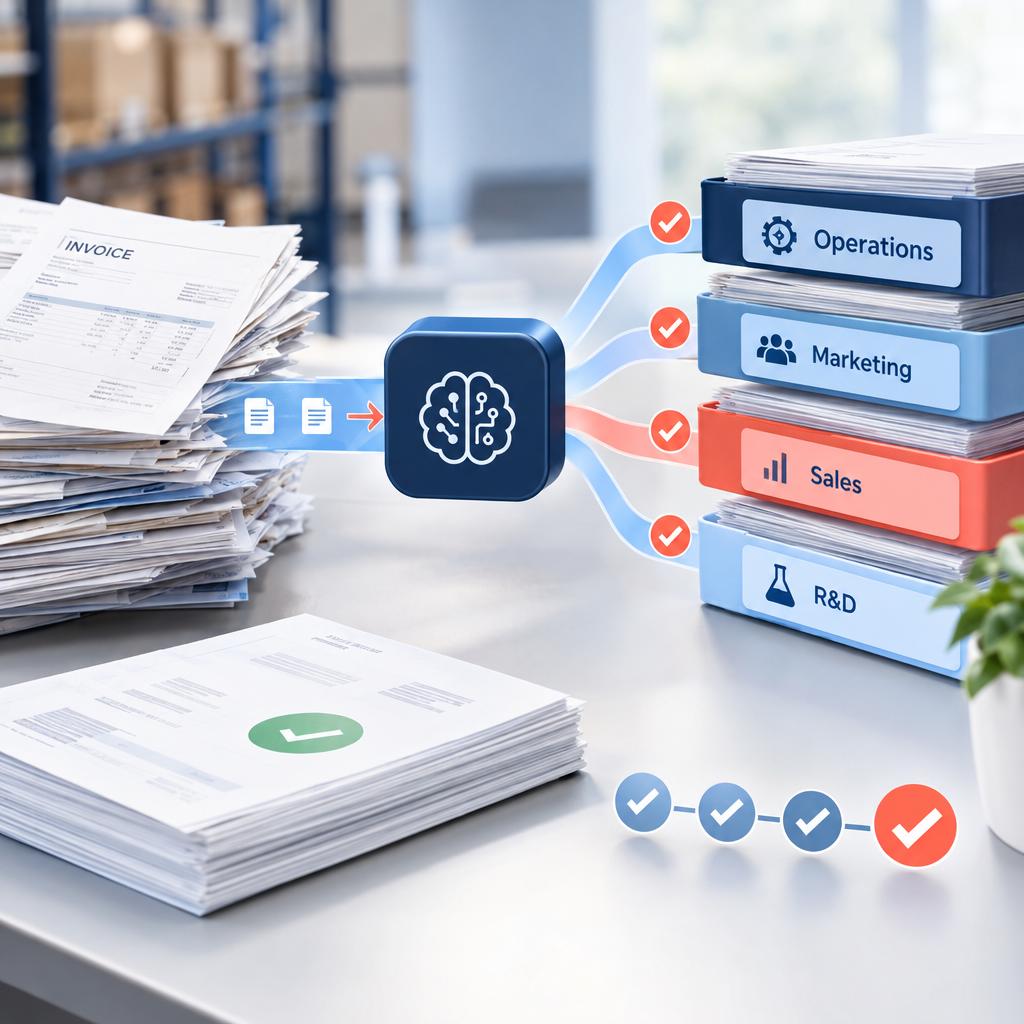
A medium-sized distributor receives hundreds of supplier invoices daily from many vendors. Each invoice requires allocation to the correct GL account and cost centre so costs and inventory are posted correctly. With the AI GL Coder & Department Router, the system extracts invoice lines, suggests GL codes and routes approval tasks to the right department manager. Routine invoices are approved and posted automatically or with a single click; uncertain or high-value items are flagged for review. The AP team sees fewer miscodes, approvals are faster and month-end posting requires less rework.
Who is it for?
- Finance teams in mid-market businesses with frequent supplier invoices — need faster AP throughput and cleaner ERP data.
- Shared service centres processing invoices across multiple business units — need consistent coding and scalable routing rules.
- Manufacturers and distributors with project or cost-centre accounting — need accurate, line-level allocations to projects and warehouses.
What is included in the monthly service
The monthly subscription covers operation and maintenance of the automation as a managed service. implementi.ai configures and operates the invoice extraction and coding workflows, connects agreed systems, monitors daily processing, handles and fixes automation errors, and applies reasonable configuration updates and model tuning to keep coding and routing aligned with your chart of accounts.
- Ongoing monitoring of automation health and exception handling.
- Maintenance and periodic tuning of classification rules and mappings.
- Operational fixes and adjustments required to keep the agreed solution working.
When this solution may not be necessary
- Very small operations with fewer than a handful of invoices per month — manual processing may be simpler and cheaper.
- Organisations that require bespoke ERP customisations or certified accounting connectors not agreed during scoping — this managed service assumes connectivity options are agreed before launch.
How it works
- Invoice capture. Invoices arrive via email, AP portal exports or file uploads and are ingested into the automation; OCR extracts text and line items from PDFs and images for analysis.
- Line-level parsing. The system parses each invoice line and identifies amounts, tax, supplier, SKU or service descriptions and delivery references to build structured records for classification.
- AI coding suggestion. An AI model proposes GL accounts, cost centres and project tags using your configured chart of accounts and historical approved mappings; each suggestion is scored for confidence.
- Rule-based routing. Items are routed to department approvers based on configurable rules (amount thresholds, supplier groups, cost-centre ownership); high-confidence items can be auto-posted if permitted.
- Human review and correction. Approvers review suggestions with supporting invoice context; corrections feed back to the mapping tables and model training to improve future accuracy.
- ERP posting or prepared import. Once approved, the automation posts the transaction to the ERP or produces a validated import file; any posting errors generate an operational alert for the implementi.ai team to resolve.
- Audit trail and reporting. Every decision, correction and approval is recorded so finance teams can review history, audit allocations and identify recurring exception patterns for further policy updates.
Example workflow
For example, imagine a company that receives a batch of 200 supplier invoices after a busy week. The automation ingests emailed PDFs and portal exports, extracts line items and recognises recurring supplier descriptions. The AI proposes GL accounts and cost centres for each line and automatically routes low-value, high-confidence items to a shared approver queue for one-click approval. Mid-value lines are routed to department managers with attached invoice snippets. Thirty low-confidence items are flagged as exceptions and routed to the AP team for manual coding; their corrections update the mapping table so similar invoices are handled automatically next month. Approved transactions are then posted to the ERP as draft entries ready for final posting.
Integrations
Typical systems
Typical systems we connect to include ERPs (for example SAP S/4HANA, Microsoft Dynamics 365, Oracle NetSuite), accounts-payable platforms (e.g. Basware, Tipalti, Tradeshift), procurement systems and document repositories. OCR and invoice-capture services such as ABBYY or cloud OCR APIs are commonly used. We can also work with file-based imports, email inboxes and Google Sheets where native API access is not available. Final compatibility is confirmed during scoping.
Connection methods
We connect using the ERP or AP platform APIs where available, secure mailbox ingestion for emailed invoices, webhook or SFTP file transfers, and agreed OCR or document-capture services. CSV or Excel export/imports and Google Sheets can be used as interim methods when direct API access is not possible. The exact connection method is agreed before implementation.
What we need from your company
Before launch we agree which systems will be connected, sample invoice files covering typical and edge cases, your chart of accounts and preferred cost-centre mapping rules, and approval routing policies (who approves what). We also need credentials or access arrangements for selected APIs, mailbox or SFTP locations. Compatibility, exact data fields and the preferred posting method to the ERP are confirmed during scoping and before configuration begins.
FAQ
Which invoice formats can you process?
We handle emailed PDFs, scanned images and structured portal exports (CSV/JSON). OCR quality affects accuracy, so we assess typical invoice samples during scoping and recommend capture or template improvements if necessary.
Can the system learn our historical coding decisions?
Yes. Approved corrections and historical mappings are used to build and refine classification rules and improve future suggestions. We retain mapping tables and use them as part of ongoing tuning under the managed service.
How are exceptions handled?
Items with low AI confidence or conflicting rules are routed to AP operators for human review. The implementi.ai team monitors exceptions, applies operational fixes where needed and updates mappings to reduce repeat exceptions over time.
Do you post directly to our ERP?
We can post via ERP/AP platform APIs or prepare validated import files if direct posting is not available. The preferred method is agreed during scoping and tested in a sandbox environment before going live.
How much customisation is required?
Chart-of-accounts mapping, approval rules and supplier groupings are customised per customer. We standardise the automation but configure mappings and routing rules to match your organisational structure and policies.
What drives the subscription price?
Price reflects the number and difficulty of integrations, daily processing volume, the degree of custom mapping and ongoing tuning needs. We confirm final scope and price before implementation.
Price
The activation fee covers the initial setup, implementation and launch of the agreed automation scope.
The monthly subscription covers the ongoing operation, maintenance and management of the automation service.
The exact scope and final monthly subscription are confirmed before launch.
Ready to automate this process?
Tell us which ERP, AP platform and invoice capture method your company currently uses.
We’ll confirm how this solution can be connected, its scope and the final monthly subscription.
| Email uscontact@implementi.ai | Call us+48 660 983 178 |