

Description
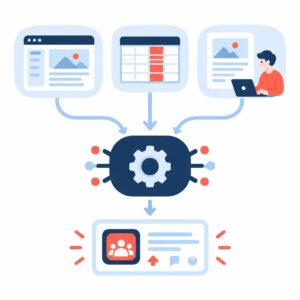
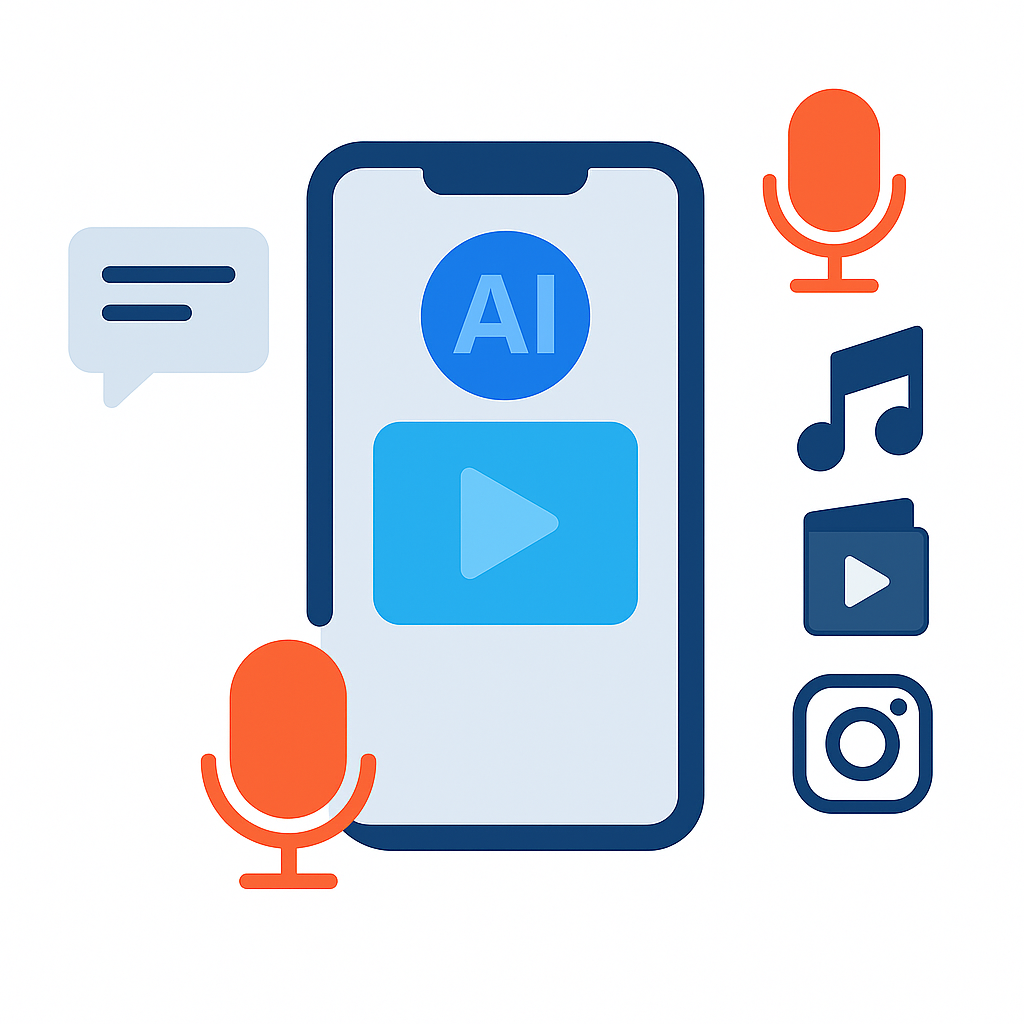
AI Video Content Maker is a managed monthly service that turns your text, topic or script into ready-to-publish short videos for Reels, Shorts and TikTok. Implementi.ai configures and operates the automation so your team can focus on messaging and campaign strategy, not video assembly and editing.
The service combines automated script generation, AI voiceover and soundtrack selection, captioning and export in vertical MP4 formats. We operate the pipeline, monitor performance and handle fixes and configuration updates as part of the ongoing subscription.
The problem
Most teams create social video by stitching multiple tools and manual steps: someone writes or edits a script, another person records or sources audio, an editor compiles clips, captions and branding, then a platform-specific exporter is used. That workflow consumes time, creates versioning errors and produces inconsistent branding or caption quality. As volume grows, coordination overhead, manual editing backlogs and missed publishing windows increase, making daily or weekly scale unrealistic without automation.

What this solution automates
This managed solution automates the end-to-end short-video production pipeline from text input to platform-ready file export. Implementi.ai configures templates, voice and music profiles and the publishing targets you need.
- Convert text, article excerpts or social captions into a concise video script and shot list.
- Generate AI voiceover with selectable voice profiles and add background music tracks.
- Create and burn captions/subtitles and simple animated overlays with brand colors and logo placement.
- Assemble a vertical MP4 optimized for Reels/Shorts/TikTok and export multiple aspect ratios when required.
- Deliver files to agreed destinations (cloud folder, CMS or publishing queue) and flag exceptions for review.
What your business gains
- Consistent brand output. Automated templates, color profiles and logo overlays ensure every video matches your brand guidelines without repeated manual adjustments.
- Faster content throughput. Daily or regular automated generation replaces repetitive editing tasks so teams can run bigger campaigns with the same headcount.
- Lower production cost. By removing manual editing for short clips and using AI voice/music options, recurring per-video effort and third-party production expenses drop.
- Predictable publishing flow. Files are exported in platform-ready formats and delivered to agreed destinations, reducing last-minute formatting and upload work.
- Operational ownership. Implementi.ai operates, monitors and maintains the automation, so your team spends time on strategy rather than troubleshooting pipelines.
A practical use case
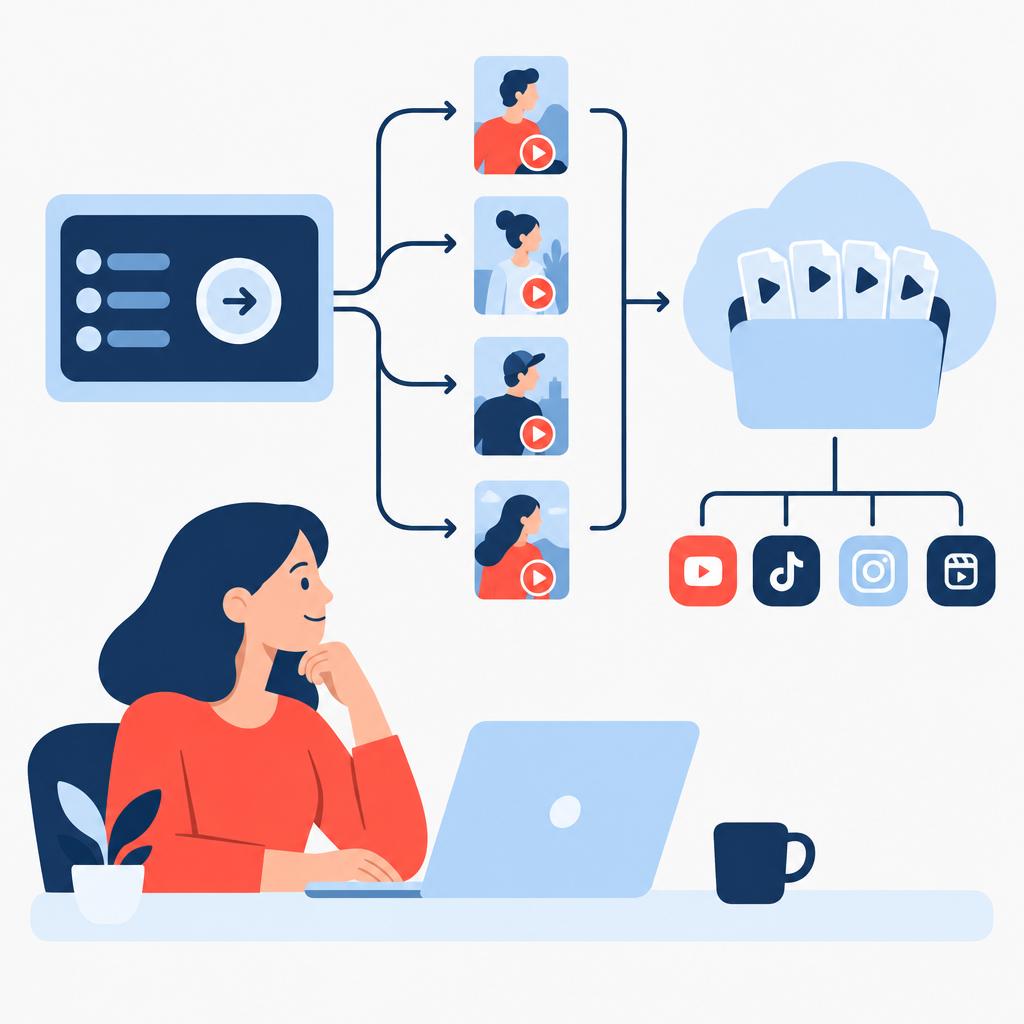
Imagine a regional marketing team that needs one short video per day for product updates and promotions. Instead of allocating an editor every day, the team provides a short brief or list of headlines. The automation generates a short script, adds a chosen voiceover and music profile, produces captions and exports a vertical MP4. The file is delivered to a shared cloud folder and the social manager confirms scheduling. When a script needs manual adjustments we route the clip to an approval step; otherwise the pipeline continues producing daily content without human editing.
Who is it for?
- Marketing teams at mid-market companies — require regular short-form video for product, content and campaign pipelines.
- Social media managers and agencies — need predictable daily or weekly video output with minimal editing overhead.
- Training and L&D teams — convert lesson summaries and microlearning scripts into short demonstrative clips.
- Product and growth teams — create frequent update clips, release notes and feature highlight videos without a production backlog.
What is included in the monthly service
The monthly subscription covers the managed automation operations implemented and run by implementi.ai. The service includes configuration, monitored operation, maintenance and routine fixes to keep the pipeline working as agreed.
- Deployment and configuration of templates, voice/music profiles and export rules.
- Connections to systems agreed before launch (content sources, cloud storage or publishing endpoints).
- Ongoing operation, monitoring and incident handling for the automation.
- Reasonable configuration updates required to keep the agreed solution working.
When this solution may not be necessary
- Teams that need full-length, multi-camera edited videos — this service targets short-form clips, not long-form post-production.
- Use cases requiring high-touch creative direction on every clip or complex motion graphics — those typically need a separate, manual production workflow.
How it works
- Receive brief or source text. You supply a topic, post text, script or a short brief via agreed input (API, sheet, folder or CMS entry) that kicks off generation.
- Script generation & segmentation. The system generates a concise short-form script and segments it into timed lines for captions and voiceover, using templates tailored to your brand voice.
- Voice and music selection. An agreed voice profile and music style are applied; the system synthesizes voiceover and mixes music to match clip length and mood.
- Visual assembly & branding. The automation compiles visuals from provided assets or simple stock elements, applies logos, color overlays and caption styling, and produces a vertical MP4.
- Quality check & routing. Automated validation checks for audio levels and caption accuracy; items that fail checks or are flagged by rules are routed for human review.
- Delivery and optional scheduling. Final files are uploaded to the agreed destination (cloud folder, CMS or publishing queue) and metadata or scheduling instructions are attached per configuration.
Example workflow
For example, imagine a company that maintains a weekly content calendar in Google Sheets. Each row includes a headline and short summary. When a new row is marked ‘publish’, the automation reads the text, generates a 15-second script, synthesizes an approved voice, and adds a music bed from the brand-approved library. The system creates captions, places the brand logo and exports a vertical MP4. If the caption text is longer than the allotted screen time, the clip is flagged and an approval notification is sent to the social manager. Otherwise the file is uploaded to the team’s cloud folder and an entry is created in the publishing queue for scheduling.
Integrations
Typical systems
Typical systems we connect to include cloud storage (Google Drive, S3), content management systems and CMS publishing flows, social platform scheduling tools, Google Sheets or Excel for input, and digital asset managers. Examples of destinations include platform scheduling or a shared folder for manual or automated publishing. Other systems can potentially be connected by agreed API, webhook or file export.
Connection methods
We connect using available APIs and webhooks where supported, or by scheduled CSV/data exports, Google Sheets, secure cloud folder delivery (S3/Drive) or email-to-ingest workflows. The chosen method is agreed and tested before launch; where platforms provide native integrations we use them, otherwise we rely on API/webhook or file exchange.
What we need from your company
Before launch we agree the source(s) of content (CMS, spreadsheet or shared folder), example brand assets (logo, color palette), preferred voice/music styles and publishing destinations. We’ll need credentials or an access method for the destination systems and a decision workflow for exceptions and approvals. Exact compatibility and access method are confirmed during onboarding.
FAQ
Which video lengths and aspect ratios are supported?
The service targets short-form vertical videos (typically up to ~15 seconds) and can export other aspect ratios on request. Final lengths and formats are configured during onboarding to match your publishing targets.
How much manual review is required?
We configure automated checks and an exception routing path. Many clips run end-to-end without manual review; clips that fail validation or require editorial changes are flagged for human approval according to your rules.
Can the system use our voice or custom music?
We support selectable voice profiles and licensed music or brand-approved tracks. Using a custom recorded voice or proprietary music requires licensing/permission and is agreed before production.
What happens if a destination platform changes its API?
Implementi.ai monitors connected integrations and adjusts configurations as needed. Maintenance and updates required to keep the agreed solution working are included in the monthly service; major platform changes are handled as part of ongoing operations and we coordinate the required access or account changes with your team.
How is brand consistency enforced?
Brand templates, logo placement, color palettes and caption styles are configured and enforced by the automation. We test output against those templates during onboarding and maintain them as part of the monthly service.
How do we start the implementation?
We begin with a scoping call to confirm inputs, publishing destinations and required assets. After agreeing scope and access, implementi.ai configures, tests and launches the automation pipeline; exact launch timing depends on integrations and scope.
Price
The activation fee covers the initial setup, implementation and launch of the agreed automation scope.
The monthly subscription covers the ongoing operation, maintenance and management of the automation service.
The exact scope and final monthly subscription are confirmed before launch.
Ready to automate this process?
Tell us which platforms, cloud storage and brand assets you want the automation to use.
We’ll confirm how this solution can be connected, its scope and the final monthly subscription.
| Email uscontact@implementi.ai | Call us+48 660 983 178 |