
Description
AI Support Triage & SLA Escalation is a monthly managed service that watches incoming support requests, labels them by urgency and impact, and triggers alerts and escalation paths before SLAs are missed. Implementi.ai configures the priority rules, maintains the classification models and operates the monitoring so you keep predictable response behavior without adding dedicated triage staff.
The service is designed for teams using email and common helpdesk platforms: it reduces manual sorting, surfaces incidents that require immediate attention, and routes high-priority items to the right people or queues for faster resolution. Ongoing tuning and monthly operational oversight are included as part of the subscription.
The problem
Most support queues contain a mix of routine requests, billing questions and urgent outages. Without automation, agents read each message and make ad‑hoc triage decisions, which wastes time and leads to inconsistent prioritization. As ticket volume grows or SLAs tighten, manual triage becomes a bottleneck: urgent issues can be missed, escalation paths are applied inconsistently, and managers spend time firefighting instead of improving root causes. Reliable SLA compliance depends on continuous monitoring, consistent rule application and fast notifications to the right responders.

What this solution automates
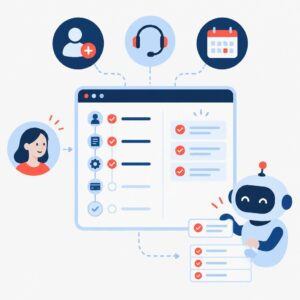
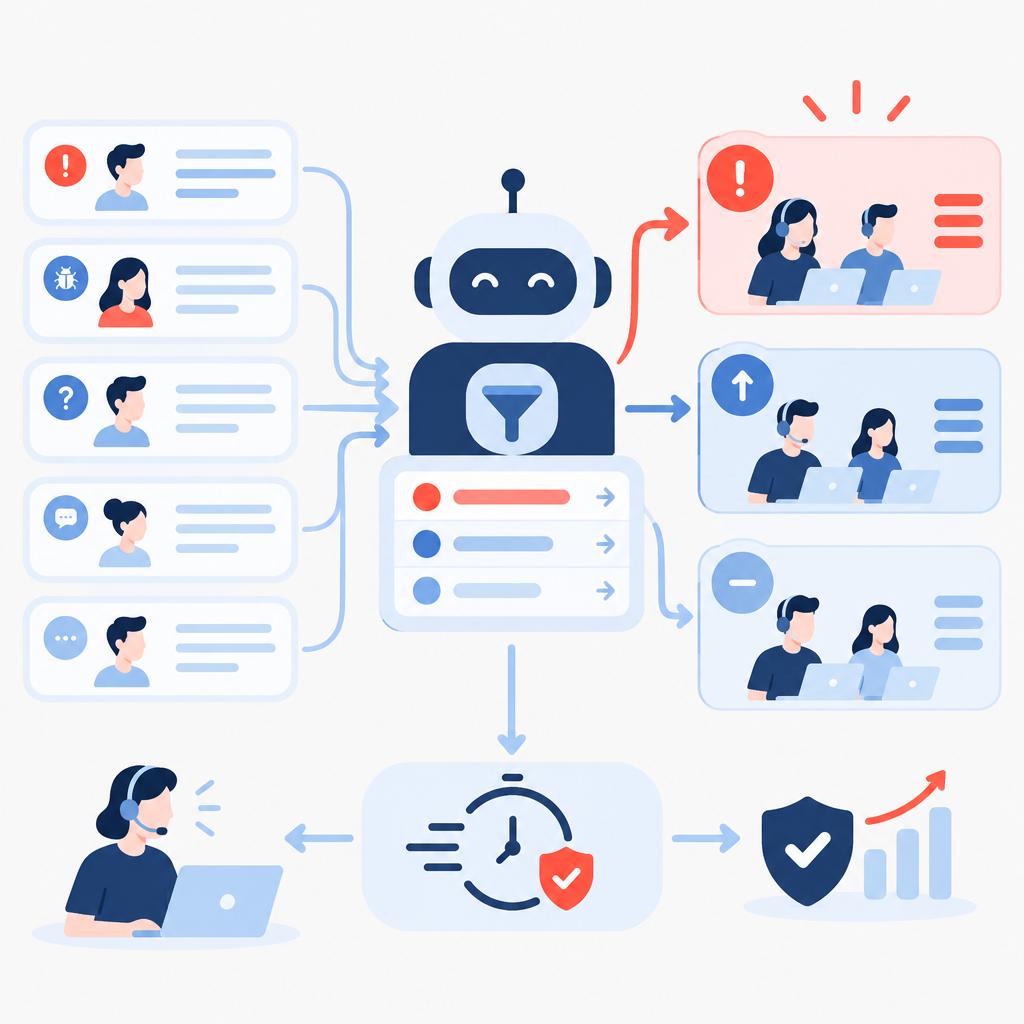
This managed service automates the continuous triage and escalation layer that sits above your support channels. The automation classifies every incoming message for urgency, customer impact and topic; applies agreed priority labels and routes tickets; watches SLA timers and sends escalating alerts; and follows preconfigured escalation paths when thresholds are reached.
- Automated text classification of tickets by urgency, topic and account impact.
- Tagging and routing to queues or specialists based on rules.
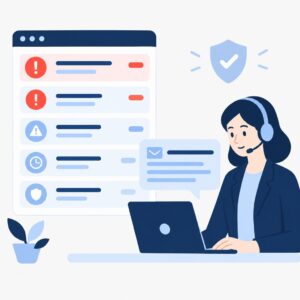
- SLA timeline monitoring with escalating notifications to agents and managers.
- Automated escalation to backups, supervisors or connected systems when thresholds are met.
- Ongoing tuning and corrective fixes to reduce misclassification and false positives.
What your business gains
- Fewer missed SLAs. Continuous SLA monitoring and timely escalation reduce the chance that urgent tickets wait until after a deadline.
- Faster response for critical cases. Priority routing and escalation shorten the path from ticket intake to the right resolver.
- Reduced manual work. Automated classification removes repetitive triage tasks so agents spend more time resolving issues.
- Consistent escalation behaviour. Agreed rules are applied uniformly across channels and shifts, reducing variance in how incidents are handled.
- Operational oversight. Monthly reviews highlight rule adjustments and corrective actions so the system stays tuned as your business changes.
A practical use case
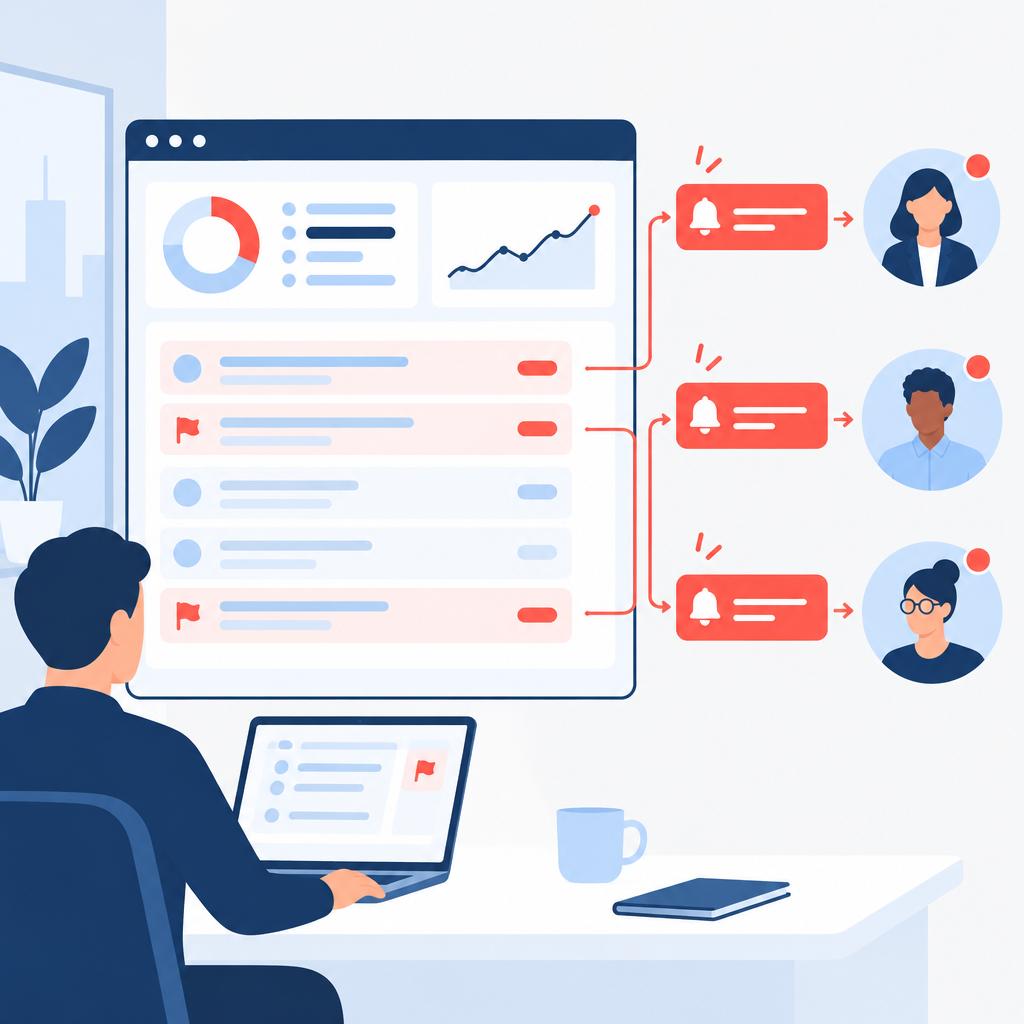
A growing SaaS vendor struggles with a support queue that mixes billing questions and product outages. During peak hours agents miss high-impact tickets and the customer success team only learns about problems when a VIP complains. With AI Support Triage & SLA Escalation, incoming messages are classified automatically, VIP accounts are flagged for higher priority, and escalating alerts notify backups and managers before SLA windows close. The support team sees a cleaner queue, urgency is applied consistently, and managers receive monthly summaries of rule performance and suggested adjustments.
Who is it for?
- Small and mid-market SaaS support teams — need predictable SLA compliance without increasing headcount.
- Ecommerce operations teams — handle order-incidents and need fast routing of payment or shipping outages.
- Customer success and account teams — require reliable escalation for high-value accounts to reduce churn risk.
- Service teams using standard helpdesks (email, Zendesk, Freshdesk, Intercom) — want automated prioritization and notification flows.
What is included in the monthly service
The monthly subscription covers the managed triage and escalation operations required to keep the solution effective. Implementi.ai operates the classification and SLA monitoring, performs ongoing fixes and tuning, maintains notification and escalation rules, and provides a short monthly report with suggested updates.
- Operation of the automation and continuous monitoring.
- Handling and fixing automation errors or misclassifications.
- Maintenance and reasonable configuration updates to keep rules and recipients current.
- Monthly review and suggested rule improvements.
When this solution may not be necessary
- Very low-volume teams that already handle tickets within agreed SLA windows without automation; the service may be unnecessary.
- Organizations that require deep, custom incident management integrations with enterprise ERPs as a primary feature; those scenarios may need a bespoke project.
How it works
- Discovery and rule design. We agree which channels, SLA targets and escalation recipients to monitor, then create initial triage rules for urgency, account impact and common topics.
- Integration and data intake. Implementi.ai connects to the agreed helpdesk, email or messaging sources and begins ingesting new incoming items for real-time processing.
- Automated classification. Each incoming ticket is analyzed and labeled for priority, topic and account impact so agents and queues see the most important items first.
- SLA tracking and alerting. The system monitors SLA timers and issues escalating alerts to designated recipients when thresholds approach, following your agreed notification hierarchy.
- Escalation actions. When rules trigger, the service performs configured actions such as notifying backups, escalating to supervisors, or creating high-priority tasks in connected systems.
- Monitoring and tuning. Implementi.ai continuously monitors performance, corrects misclassifications and applies rule updates to reduce false positives and adapt to changing ticket patterns.
Example workflow
For example, imagine a company that receives support via email and a hosted helpdesk. A new ticket arrives reporting a service outage from an enterprise account. The automation classifies the message as high urgency and high account impact, applies a VIP priority tag, and routes the ticket to the dedicated escalation queue. SLA timers start and the system sends an immediate alert to the on‑call agent; if the primary responder does not acknowledge within the configured window, the service notifies the backup and escalates to a supervisor. The ticket is resolved faster because the right people were alerted in time, and a note of the escalation path is recorded for the monthly review.
Integrations
Typical systems
Typical systems include hosted helpdesk platforms (examples: Zendesk, Freshdesk, Intercom), email accounts used for support, and team messaging systems such as Slack or Microsoft Teams for notifications. Other systems that can potentially be connected as part of escalation paths include CRM platforms and task managers via available APIs or webhooks. Exact integrations are confirmed during onboarding.
Connection methods
Common connection methods are helpdesk APIs, inbound email integration, webhooks for real-time events, and messaging integrations for alerts. Where necessary, CSV exports or shared inbox access can be used for initial onboarding. We confirm the preferred method and required permissions before implementation.
What we need from your company
Before launch we need to agree which channels to monitor, the helpdesk or email accounts to connect, the SLA targets and escalation recipients, and any special tagging or routing rules. You will provide access or permission for the chosen connection method and identify the people who receive alerts and approvals. Compatibility and the exact access method are confirmed and agreed before implementation.
FAQ
Which channels can you monitor?
We commonly monitor email and supported helpdesk platforms and can deliver alerts via email, Slack or Teams. During onboarding we confirm the specific sources to monitor and the notification recipients.
How much effort does onboarding require from our team?
Onboarding focuses on mapping SLA targets, escalation recipients and common ticket types. The exact effort depends on the number of channels and complexity of rules; we confirm the scope during the planning phase.
Can you escalate into our CRM or issue tracker?
Yes. We can include CRM records or task creation in escalation paths provided the target system offers an API or webhook integration we can use. Integration specifics are agreed before launch.
How do you handle misclassifications?
Implementi.ai monitors classification performance, corrects mislabels and updates rules to reduce repeat errors. Ongoing tuning is part of the monthly service to keep accuracy acceptable for your operations.
What determines the monthly price?
Price is driven by the number of sources to monitor, expected ticket volume and the level of ongoing tuning and escalation complexity. We confirm the final scope and pricing before activation.
Price
The activation fee covers the initial setup, implementation and launch of the agreed automation scope.
The monthly subscription covers the ongoing operation, maintenance and management of the automation service.
The exact scope and final monthly subscription are confirmed before launch.
Ready to automate this process?
Tell us which helpdesk platforms, support email addresses and SLA targets your team currently uses.
We’ll confirm how this solution can be connected, its scope and the final monthly subscription.
| Email uscontact@implementi.ai | Call us+48 660 983 178 |