


Description
The AI Corporate Card Exception & Expense Policy Manager continuously ingests corporate card feeds and expense records, classifies transactions against your company policy and automatically suggests or performs reconciliations and approvals. It reduces manual triage, surfaces risky or non-compliant spending and organizes receipts for faster month-end closing.
implementi.ai configures the connections, trains the classification logic to your rules, operates the automation and maintains the system. The monthly service ensures alerts, exceptions and routine reconciliations are handled without adding headcount.
The problem
Many companies rely on manual review of corporate card transactions and emailed receipts. Finance teams spend hours collecting missing receipts, chasing approvers and deciding whether expenses comply with policy. This manual process delays reconciliations, creates inconsistent acceptance of exceptions and increases the risk of unnoticed policy violations. As the company scales, transaction volume grows faster than headcount, making the backlog and error rate worse and obscuring spend trends and unusual activity.

What this solution automates
This managed solution automates continuous monitoring, classification and workflow for corporate card and expense exceptions. The service detects missing receipts, policy breaches, duplicate charges and unusual vendor activity and either routes items for human approval or applies pre-agreed resolutions.
- Ingest corporate card feeds, exported CSVs or expense tool APIs and normalise transaction data.
- Automatically match transactions to uploaded receipts and invoices.
- Apply policy rules and AI classification to flag probable exceptions (personal spend, missing receipt, out-of-policy vendor).
- Route exceptions to approvers with suggested resolution text or auto-close low-risk items.
- Sync final statuses and accounting codes with your ERP or accounting system.
- Provide an exceptions dashboard and weekly summary of outstanding items.
What your business gains
- Faster reconciliation. Automating receipt matching and exception triage reduces the time finance staff spend reconciling card statements and accelerates month-end close.
- Consistent policy enforcement. AI classification applies the same rules to every transaction and surfaces the highest-risk exceptions for human review, reducing ad‑hoc decisions.
- Lower operational cost. Automating routine checks and suggested resolutions frees finance and operations teams to focus on higher-value work instead of chasing receipts.
- Clear audit trail. Every exception, approval and resolution is recorded and synchronised back to accounting systems for traceability during audits.
- Scalable processing. The service handles growing transaction volumes without linear increases in staff time because exceptions are prioritised and processed automatically.
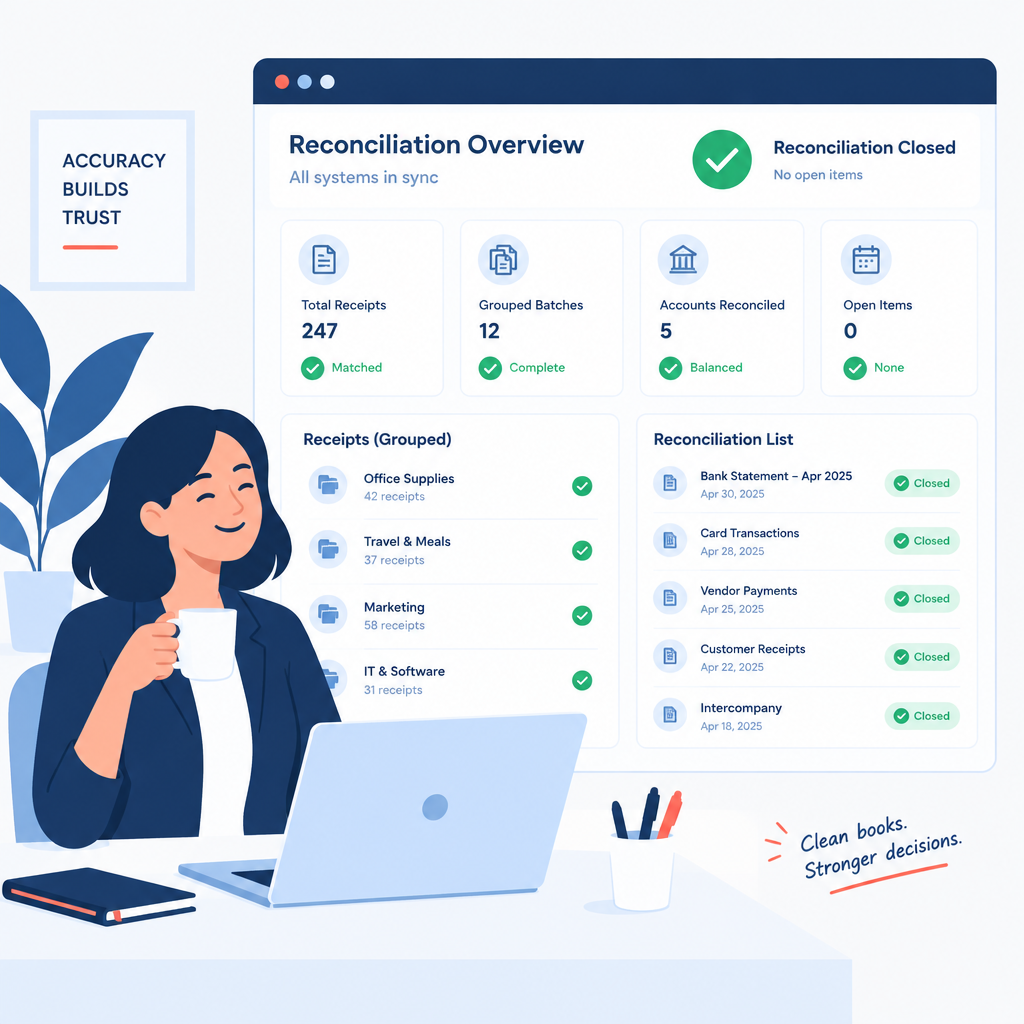
A practical use case
A mid-size services company receives hundreds of corporate card transactions each month. Finance staff spend time chasing receipts and manually categorising items. Using this product, card feeds and expense uploads are continuously monitored and AI matches receipts to transactions. Small issues (e.g., missing receipt where a digital receipt is later uploaded) are auto-closed or flagged for a single confirmation, while likely personal spend is routed to managers for approval. The result is fewer unreconciled transactions at month end and clearer records for accounting.
Who is it for?
- Finance teams in SMEs with monthly corporate card volume: need to reduce manual reconciliation work.
- Operations managers at distributed companies: require consistent approval flows for out-of-policy spend.
- Accounting teams preparing month-end close: benefit from automated receipt matching and synced statuses.
- Companies using corporate card programs and expense tools: want to reduce exceptions and speed approvals.
What is included in the monthly service
The monthly subscription covers the managed automation and ongoing operation of the agreed solution. implementi.ai configures and maintains the connections, runs the AI classification and monitoring, handles automation errors and performs reasonable configuration updates to keep the solution aligned with changing policy or system changes.
- Operating automation and continuous monitoring.
- Connections to systems agreed before launch.
- AI processing for classification and matching.
- Monitoring, error handling and maintenance of the automation.
- Reasonable monthly configuration updates to rules and workflows.
When this solution may not be necessary
- Companies that process only a handful of card transactions per month—manual review may be sufficient.
- Businesses requiring bespoke legal or tax advice for every transaction; this service automates triage and routing but does not replace specialist consultation.
How it works
- Connect data sources. We connect your corporate card feeds, expense tool or CSV exports plus your accounting/ERP system to receive transaction and receipt data.
- Normalise and enrich. Incoming transactions are normalised, vendor names cleaned and enriched with available metadata such as merchant category and employee owner.
- AI match and classify. AI models attempt to match receipts to transactions and classify each item against policy rules, highlighting missing receipts, likely personal spend or other exceptions.
- Apply business rules. Pre-configured rules automatically resolve low-risk items and assign medium/high-risk exceptions to designated approvers or teams.
- Approval and resolution. Approvers receive concise context and suggested resolution text; decisions are recorded and—when approved—results synchronised back to accounting systems.
- Exception dashboard and alerts. A managed dashboard lists outstanding exceptions and automated summaries; implementi.ai monitors operation and fixes automation errors.
- Sync and close. Final statuses, accounting codes and receipt links are synchronised to your ERP or accounting system to complete reconciliation.
Example workflow
For example, imagine a company that issues corporate cards to sales staff and also uses a basic expense tool. A daily card feed imports new transactions to the managed service. The AI automatically finds a matching emailed receipt and classifies the expense as travel-related but flags it because the vendor is a non-approved hotel chain. The system routes the item to the employee’s manager with suggested justification text. The manager approves after a short comment; the platform records the approval, attaches the receipt, assigns the correct accounting code and syncs the closed transaction to the company’s accounting system. Items without receipts are escalated after a configurable waiting period for human follow-up.
Integrations
Typical systems
Typical systems that can be connected include corporate card providers and feeds, expense management tools (for example Expensify, SAP Concur where available), accounting and ERP systems (e.g., Xero, Sage, NetSuite), and HR or directory services for approver mappings. Other systems can potentially be connected via API, webhook or agreed CSV export; compatibility is confirmed during onboarding.
Connection methods
Connections are implemented using available APIs and webhooks when supported, or scheduled CSV/data exports and secure file transfer where API access is not available. Some customers choose to use a shared inbox for emailed receipts or a Google Sheet as a temporary staging area. The exact method is agreed before launch based on your systems and security requirements.
What we need from your company
Before launch we agree which card providers, expense tools and accounting systems to connect, sample transaction files or API credentials, a copy of your expense policy and the approval routing rules. We also need details about required accounting codes and the decision thresholds for auto-resolution versus manual approval. Compatibility and access method are confirmed during discovery and before implementation.
FAQ
Which card providers and expense tools can you connect to?
We typically connect via vendor APIs, webhooks or scheduled CSV exports. During discovery we confirm whether your provider supports an API or whether a secure file export is the appropriate method.
Can the AI learn our company-specific policy exceptions?
Yes. We train the classification and rule set during onboarding using your policy documents and historical transactions. Ongoing tuning is part of the managed service to keep accuracy aligned with changes.
How are approvals handled?
Exceptions are routed to predefined approvers with suggested resolution text. Approvers decide in the tool and decisions are recorded. Low-risk items can be auto-closed if that behaviour is agreed before launch.
What happens if a transaction can’t be matched to a receipt?
The automation flags the item and follows your configured escalation policy—e.g., reminder emails to the employee, routing to finance after a waiting period or immediate escalation for high-value items.
How does this integrate with month-end accounting?
Final statuses, assigned accounting codes and receipt links are synchronised back to your accounting or ERP system so reconciled transactions appear in the ledger for month-end close.
How do we start implementation?
We begin with a discovery call to confirm systems, required rules and sample data. Launch time depends on integrations and scope; implementi.ai confirms timeline and access requirements before work begins.
Price
The activation fee covers the initial setup, implementation and launch of the agreed automation scope.
The monthly subscription covers the ongoing operation, maintenance and management of the automation service.
The exact scope and final monthly subscription are confirmed before launch.
Ready to automate this process?
Tell us which corporate card providers, expense tools and accounting systems your company currently uses.
We’ll confirm how this solution can be connected, its scope and the final monthly subscription.